¶ 1. Design software & Slicer
FormLetter software is a combination of channel letter design software and a slicer.
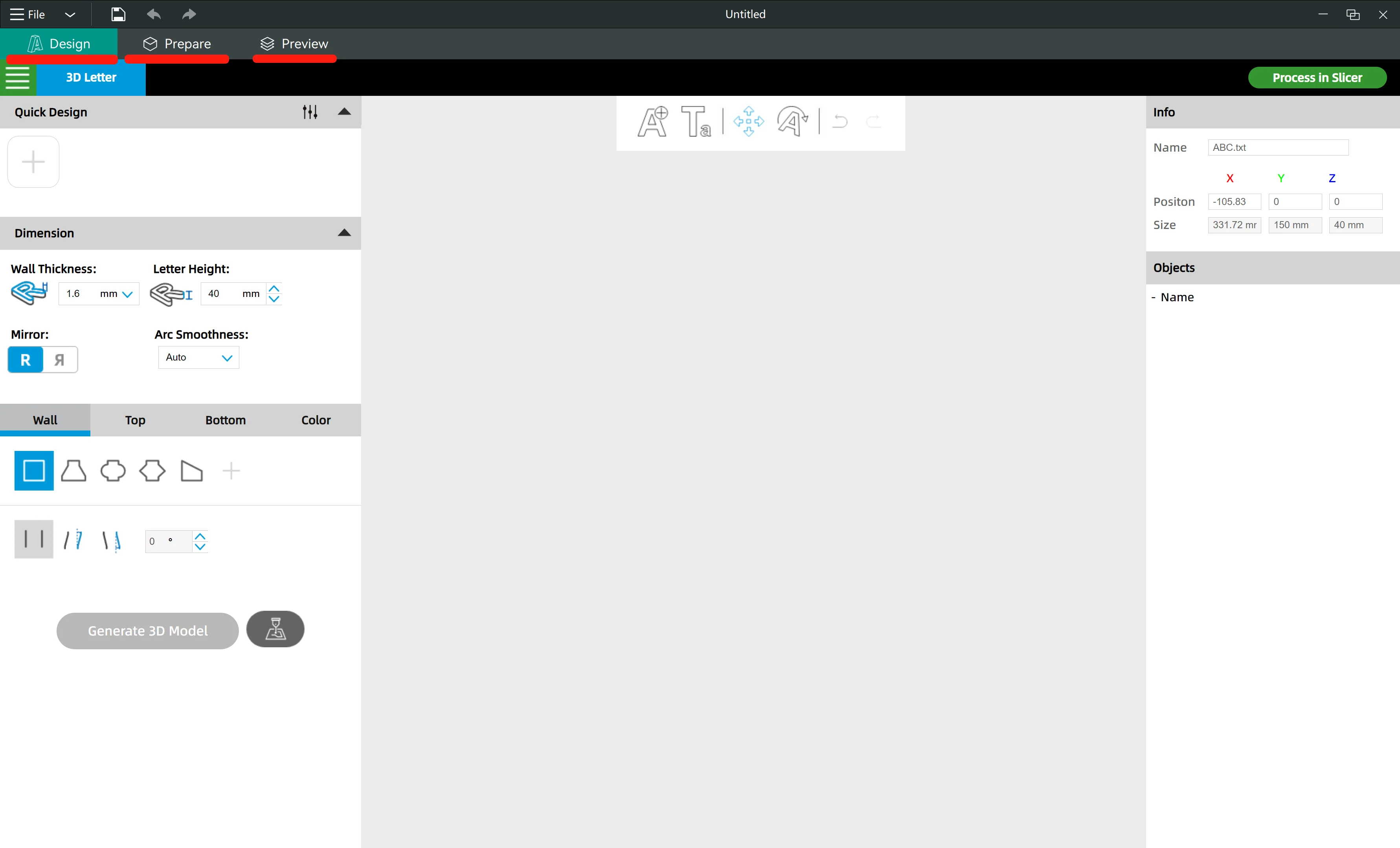
In FormLetter you can see three modules: Design, Prepare, Preview.
-
The "Design" module is the design software, or we say it CAD software or 2D-3D generation software.
-
The "Prepare" and "Preview" modules is the slicer, or we say it CAM software or 3D printing software.
¶ 2. Workflow
The workflow of the software is to design and generate 3D models of the channel letters in the Design module, then transfer the model into the slicer module to generate G-code files for 3D printing.
¶ 2.1 Design
Import SVG files to design and generate channel letter 3D models.
¶ 2.2 Generate and Transfer
Click "Process in Slicer" to transfer the 3D models into the slicer.
¶ 2.3 Choose presets
Choose the Printer, Filament and Process presets in the drop list.
¶ 2.4 Slice and Preview
Click the "Slice plate" button to slice the 3D models.
After slicing, you will be able to preview the sliced model.
¶ 2.5 Export and Save on SD card
Click the "Export G-code file" button to save the G-code files on an SD card.
Now you have completed the 3D printing file preparation.