Once you have finished designing the channel letter, please don't forget to export the laser/CNC cutting path file.
¶ 1. Scale Value
Plastic Shrinkage
Plastic shrinks after 3D printing and cooling, causing dimensional deviations. This is a characteristic of polymer materials.
Shrinkage Compensate
Starting with FormLetter version V2.3.1.1-2.0.4-SE, the XY dimensions of printed parts have been scaled down to minimize deformation.
Please update your FormLetter to the latest version.
To better fit your cut sheet to the 3D printed return, please refer to the following reference table to export the DXF file:
| Letter Size (S) | Recommended Scale Value (Outer) Covered Panel |
Recommended Scale Value (Inner) Embed Panel |
Recommended Rib Width |
|---|---|---|---|
| 80mm<S≤150mm | +0.25mm | -0.2mm | 0.6mm |
| 150mm<S≤300mm | +0.3mm | -0.25mm | 0.6~0.8mm |
| 300mm<S≤500mm | +0.35mm | -0.3mm | 0.8~1.0mm |
| 500mm<S≤800mm | +0.4mm | -0.35mm | 1.2~1.5mm |
| 800mm<S≤1350mm | +0.45mm | -0.4mm | 1.5~2mm |
¶ 2. Regular Face and Backing cutting path
If you fabricate the channel letter with laser or CNC-cut face and backing panels, you need to export two paths.
¶ 2.1 Preview
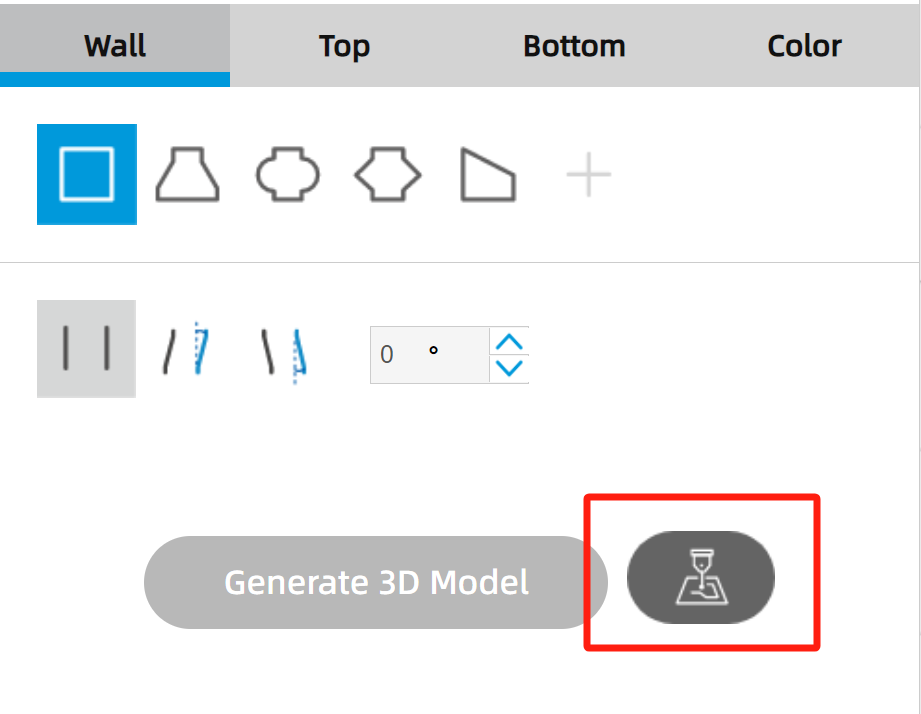
- Click the button to open the DXF cutting path export function:
|
|
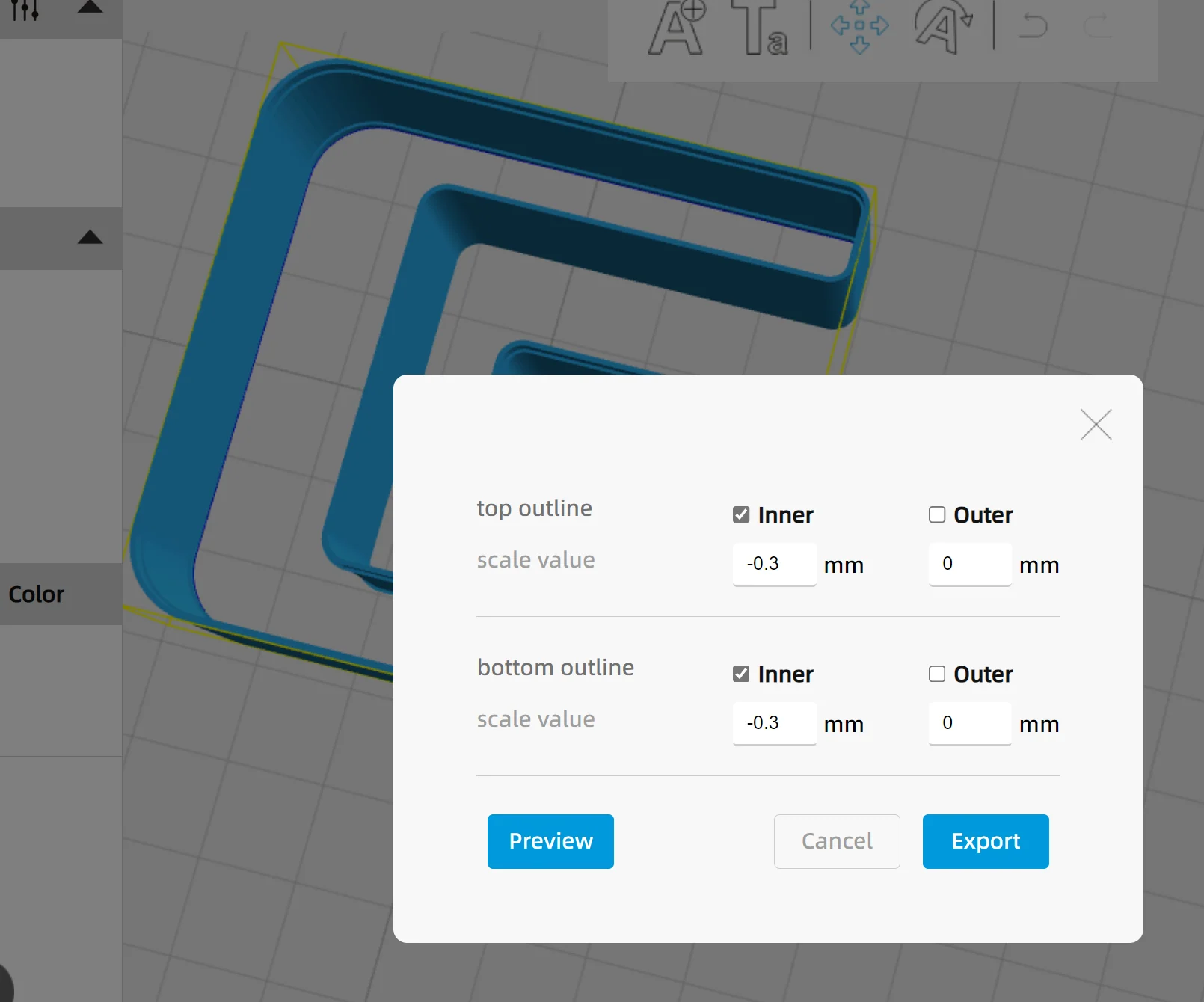
- Please select the cutting outline, then click the "Preview" button to check the blue lines along the edge of the 3D model:
¶ 2.2 Export
Non-special character file path
When you export and save the DXF file to a folder, please note that the folder path cannot contain any special characters. Only English text and numbers are allowed.
Otherwise, you will not be able to successfully save the DXF file into the corresponding folder.
¶ 3. Fold-edge channel letters
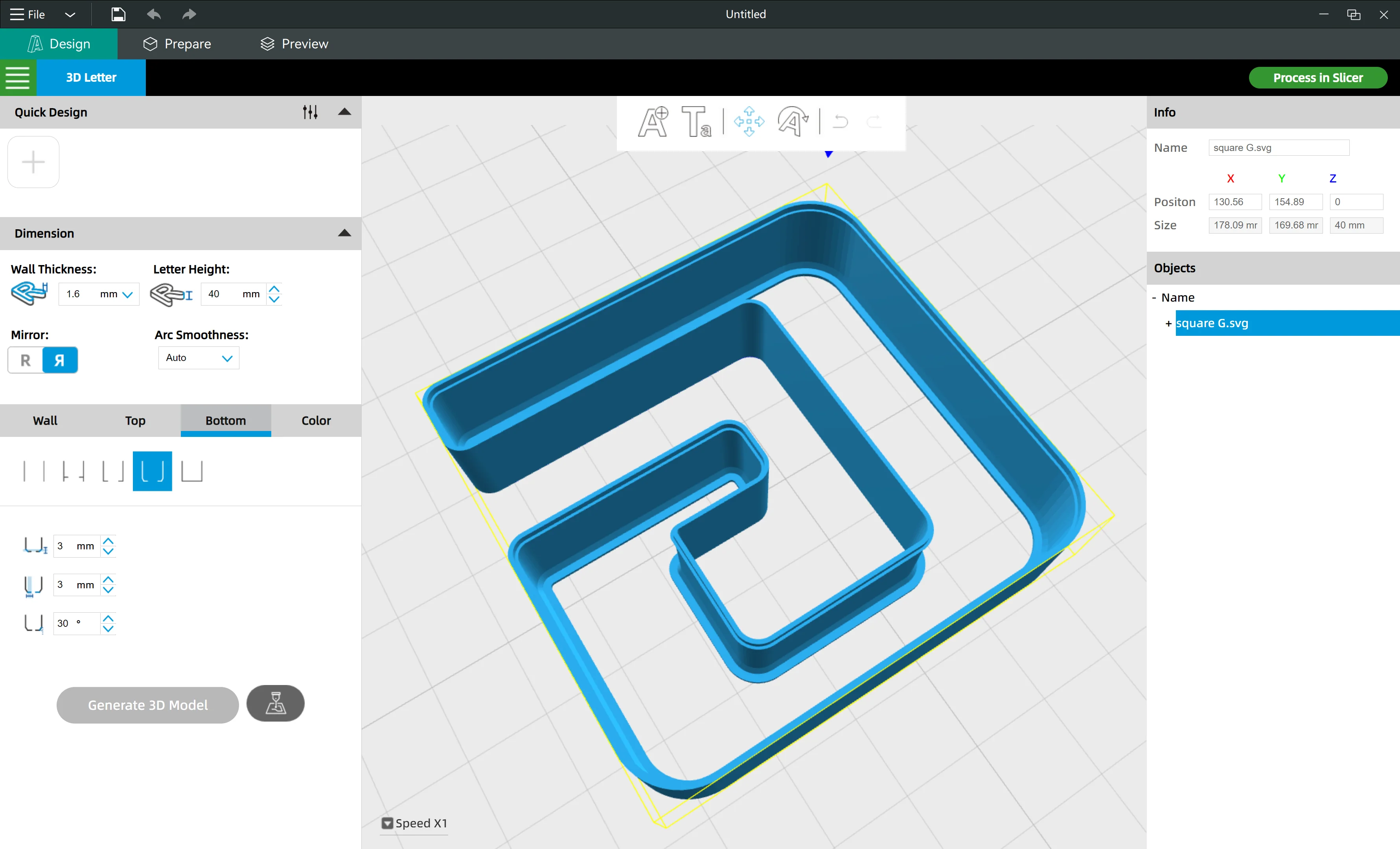
If you are fabricating mirrored channel letters with a folded face edge and want to install a laser-cut acrylic sheet as the face panel, please follow the guide below to export the correct cutting path.
¶ 3.1 Structure diagram
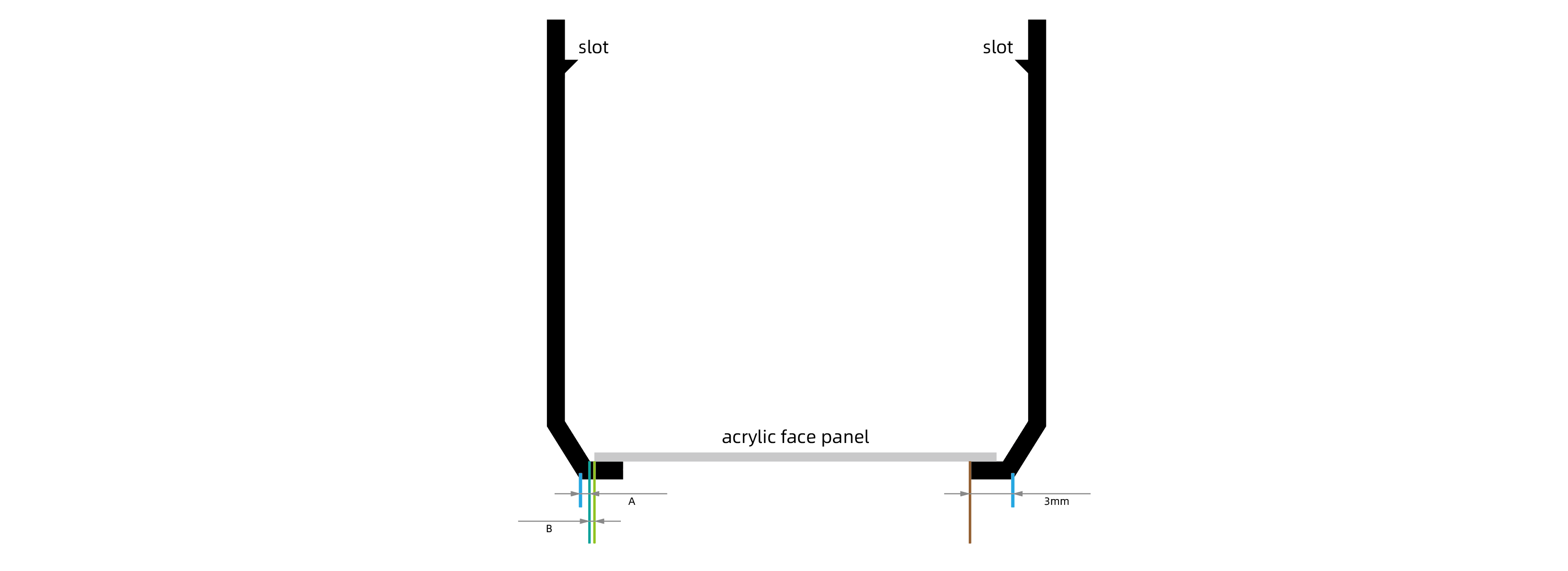
Sectional view of the letter: ↓
¶ 3.2 Calculate the tolerance value
- The tolerance value you need to input in the export window is A+B
- Please treat "A" as the wall thickness of the letter, let's say 1.6mm thickness
- To properly place the acrylic panel, avoid crashing it into the slot. You can set "B" to 1mm
- So the tolerance is -2.6mm
- Click "export" to save the DXF file to your local drive