There is a chance you cannot generate a 3D model from an SVG file, or that the software takes a very long time to generate the letter. Below are the reasons and solutions: ↓
¶ 1. File error
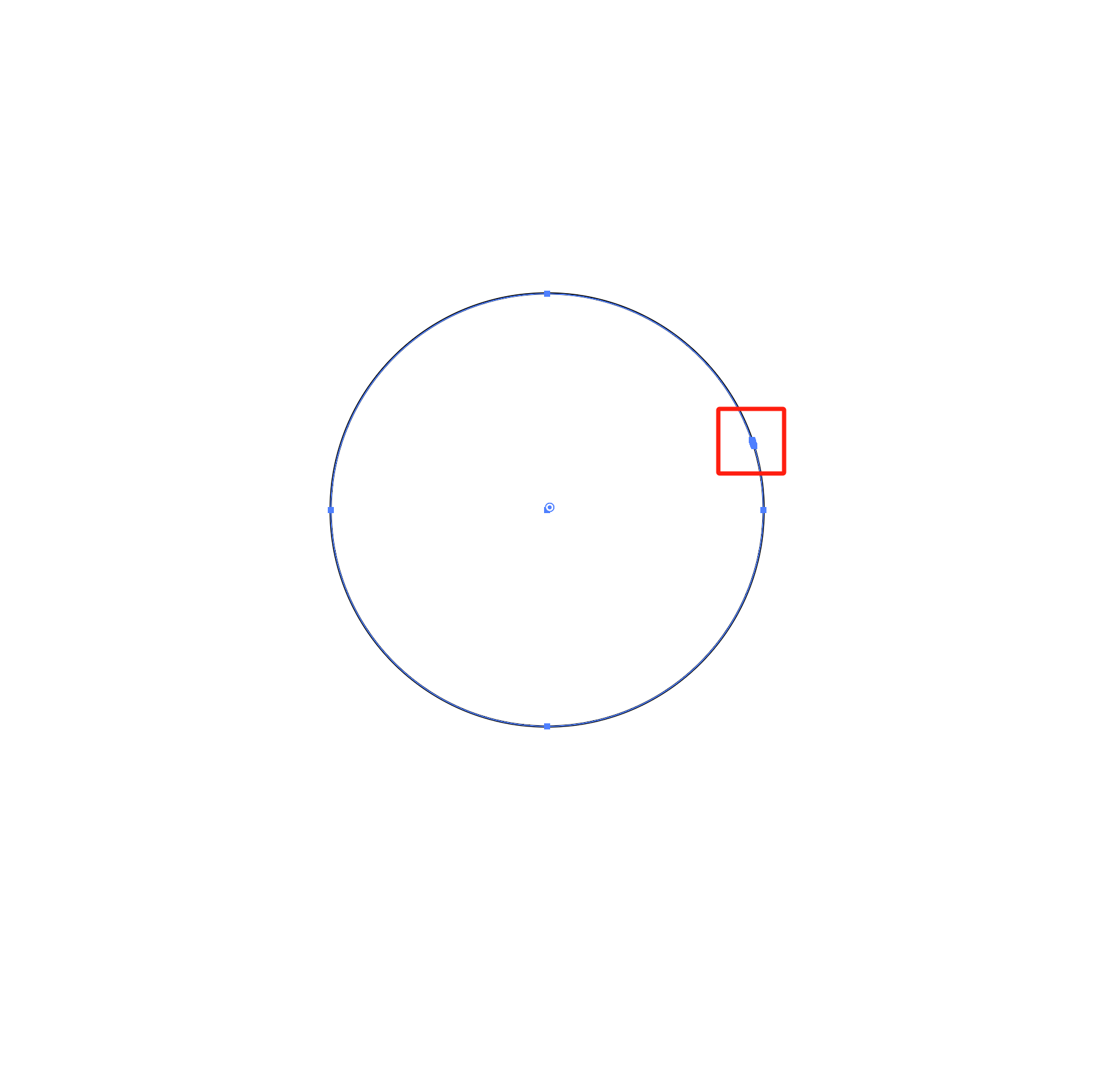
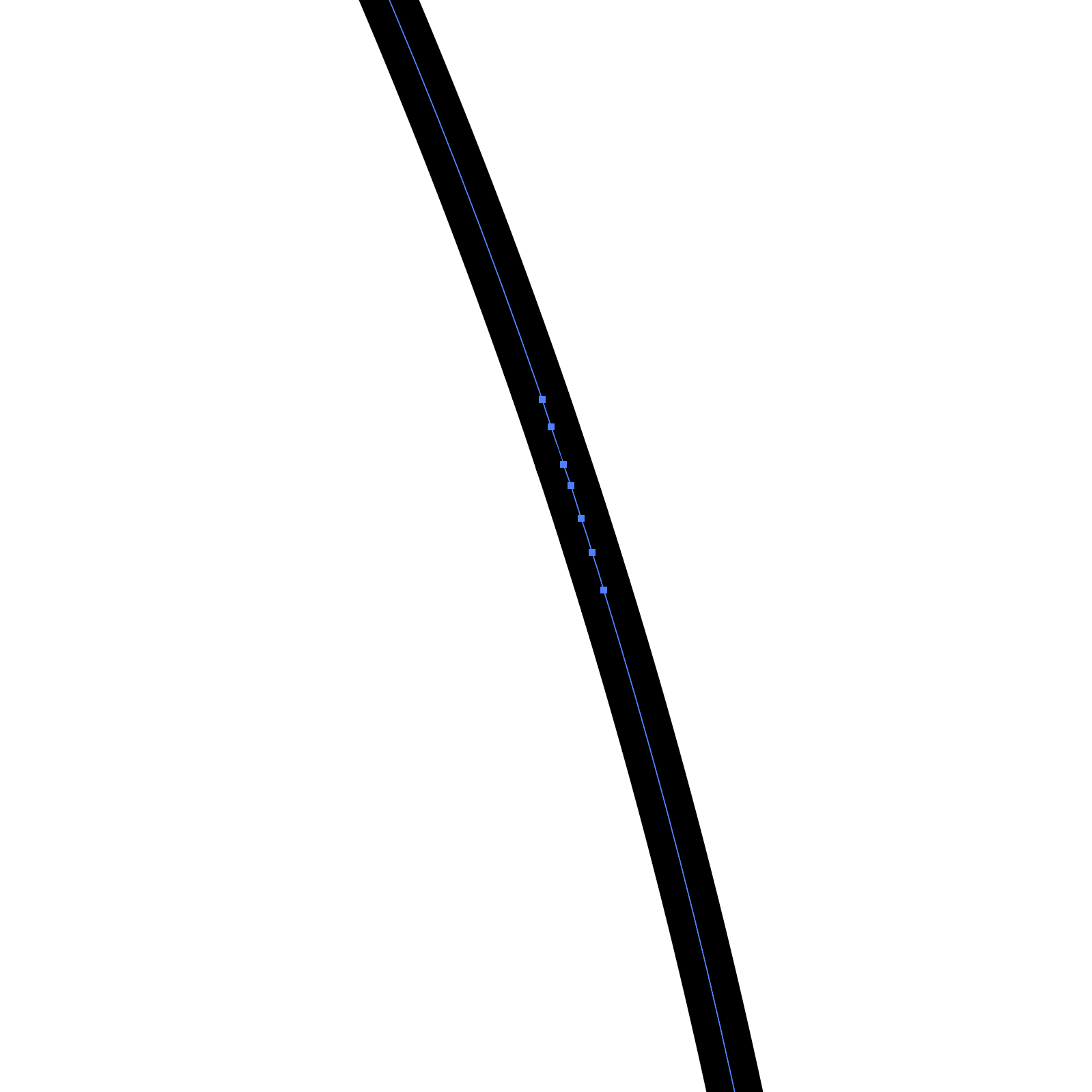
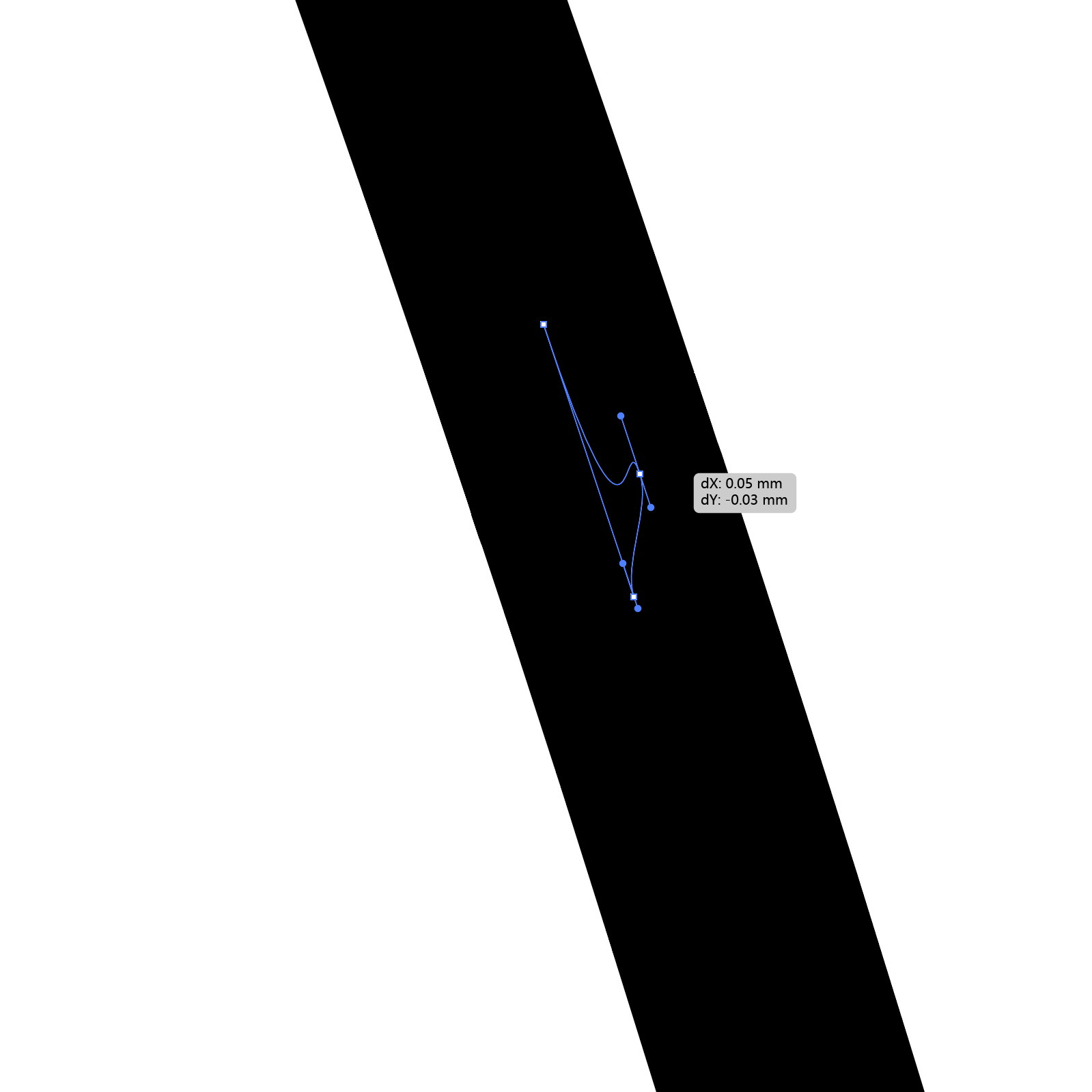
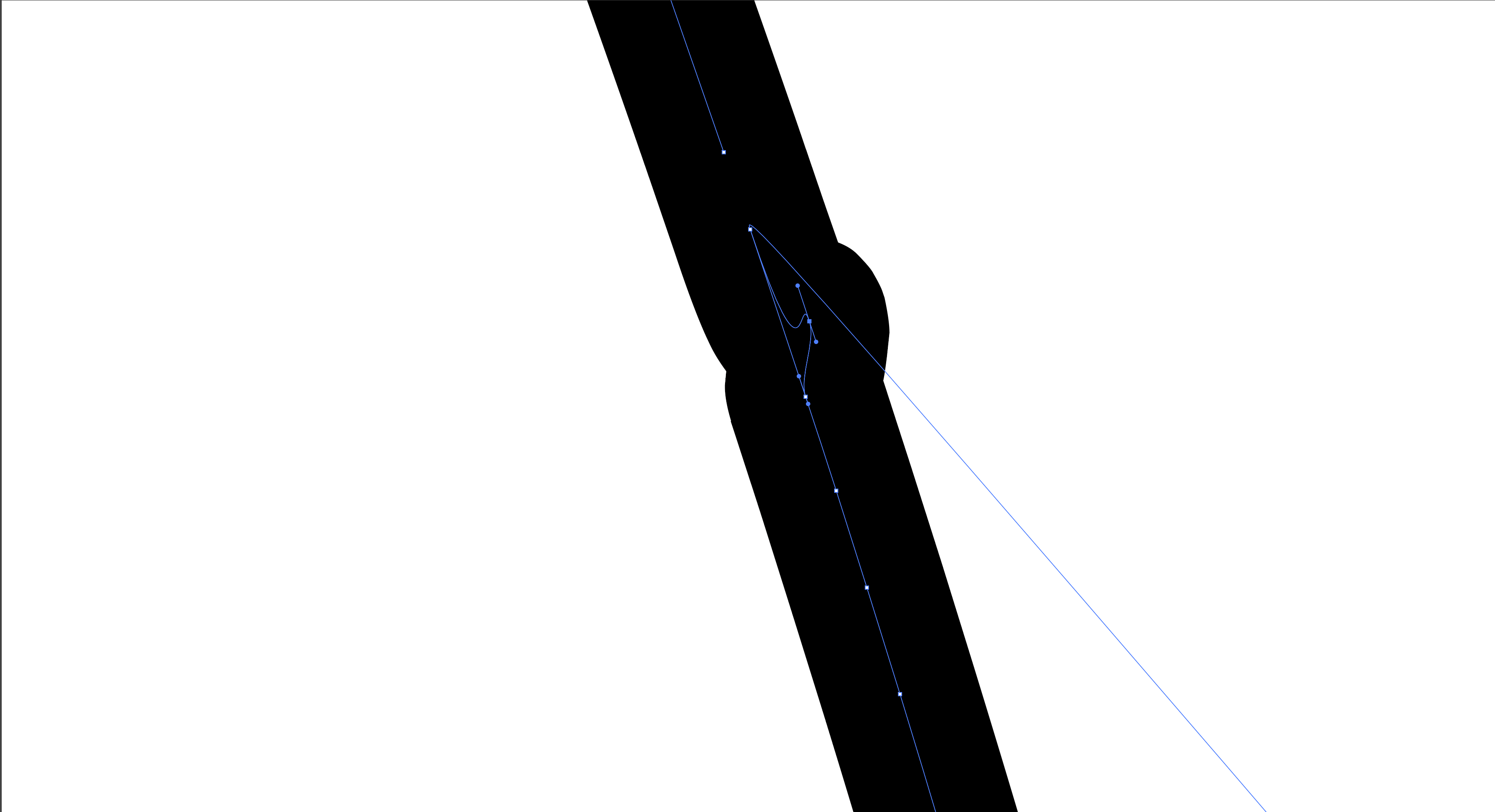
If the path is folded into a very small area that is barely visible without zooming in, it might lead to very slow generation speed, making the software look frozen.

|
|
|
|
|
Solution:
- Delete the incorrect node, then draw the path manually.
- Or you simplify the path using the tool "Object → Path → Simplify", in this way the Illustrator will reduce those unnecessary nodes automatically.
¶ Blank SVG file
If you import a blank SVG file (no pattern in the SVG file), the "Design" module won't work out anything, and it might freeze.
Solution: Import the right SVG file and regenerate it.
¶ 2. Walls crash into each other
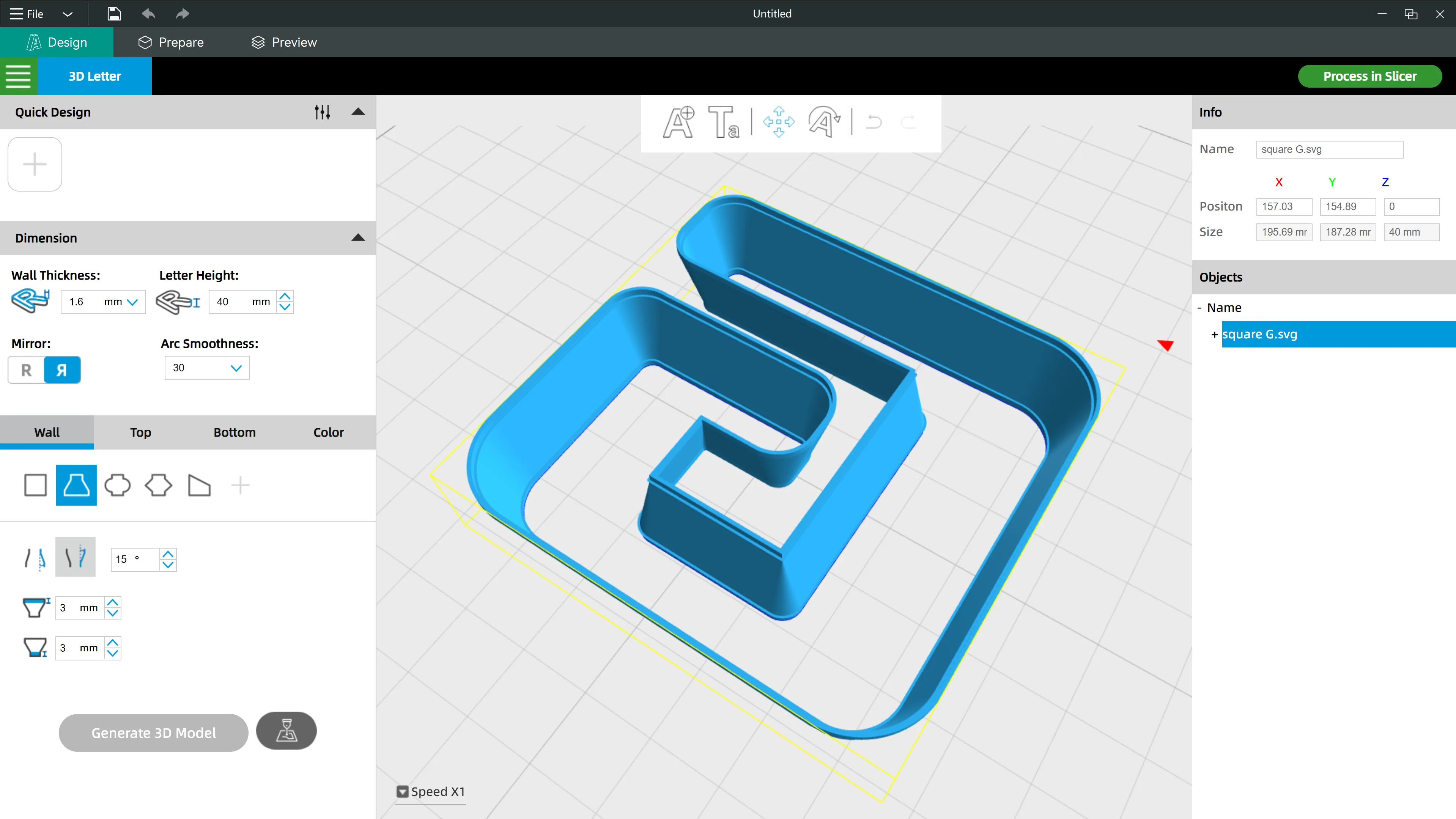
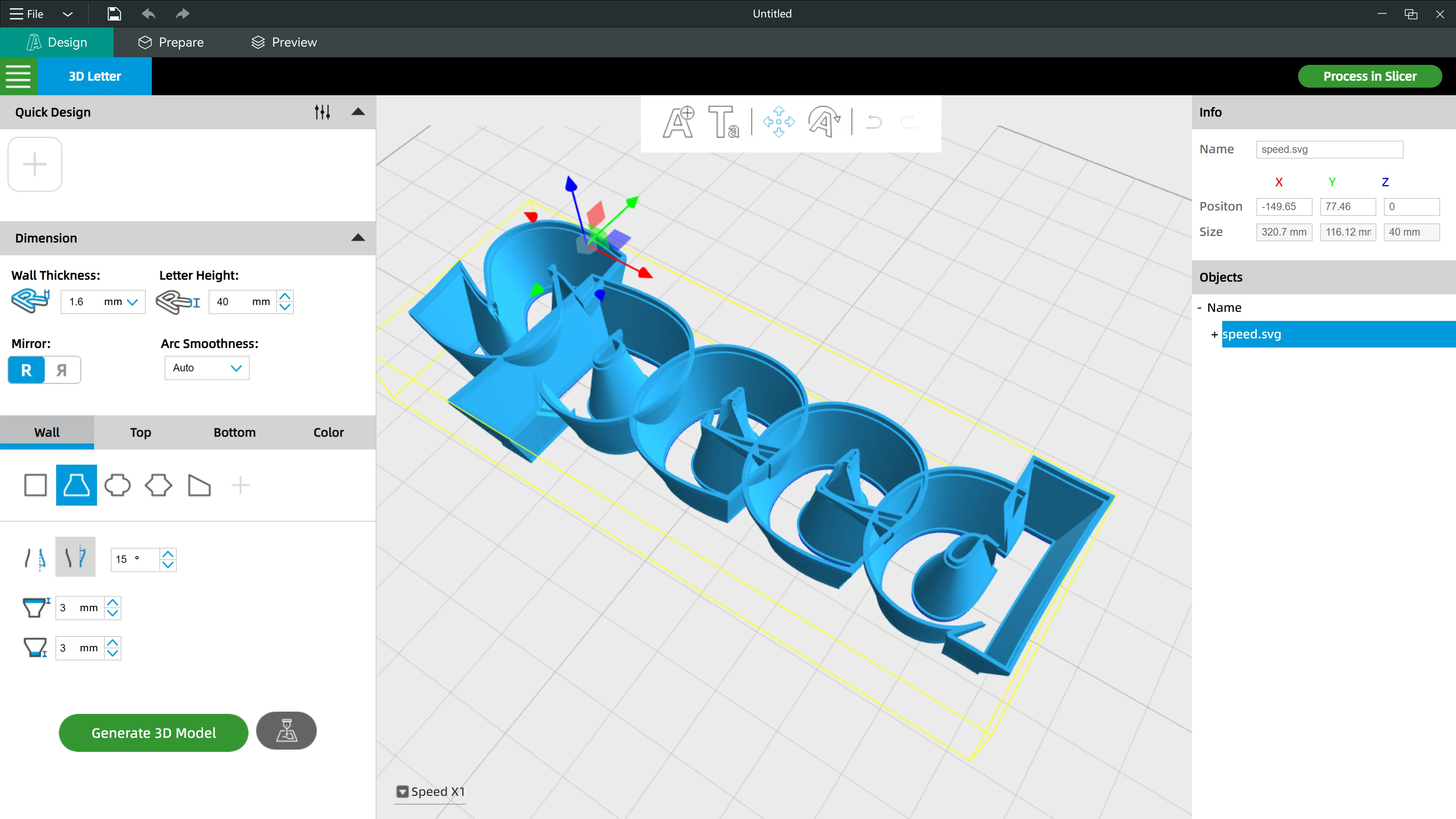
Big inclination angles will be okay when generating text in bold strokes, but they might cause 3D modeling errors when you are generating with small text or text in fine strokes.
|
|
Solution: Please adjust your inclination angle settings based on the font or the pattern, until you find a proper angle value.