A faulty EEPROM makes the printer lose the Linear Advance K value and the Z-offset after a reset. You can fix it by removing two resistors.
¶ Before you start
- Check the firmware version first. It must be 1.5.1 or newer. See Step 1.
- You need one pair of pliers. Long-nose pliers are easier to use.
- Power off the printer and unplug the power cord before you start.
¶ Step 1: Check the firmware version
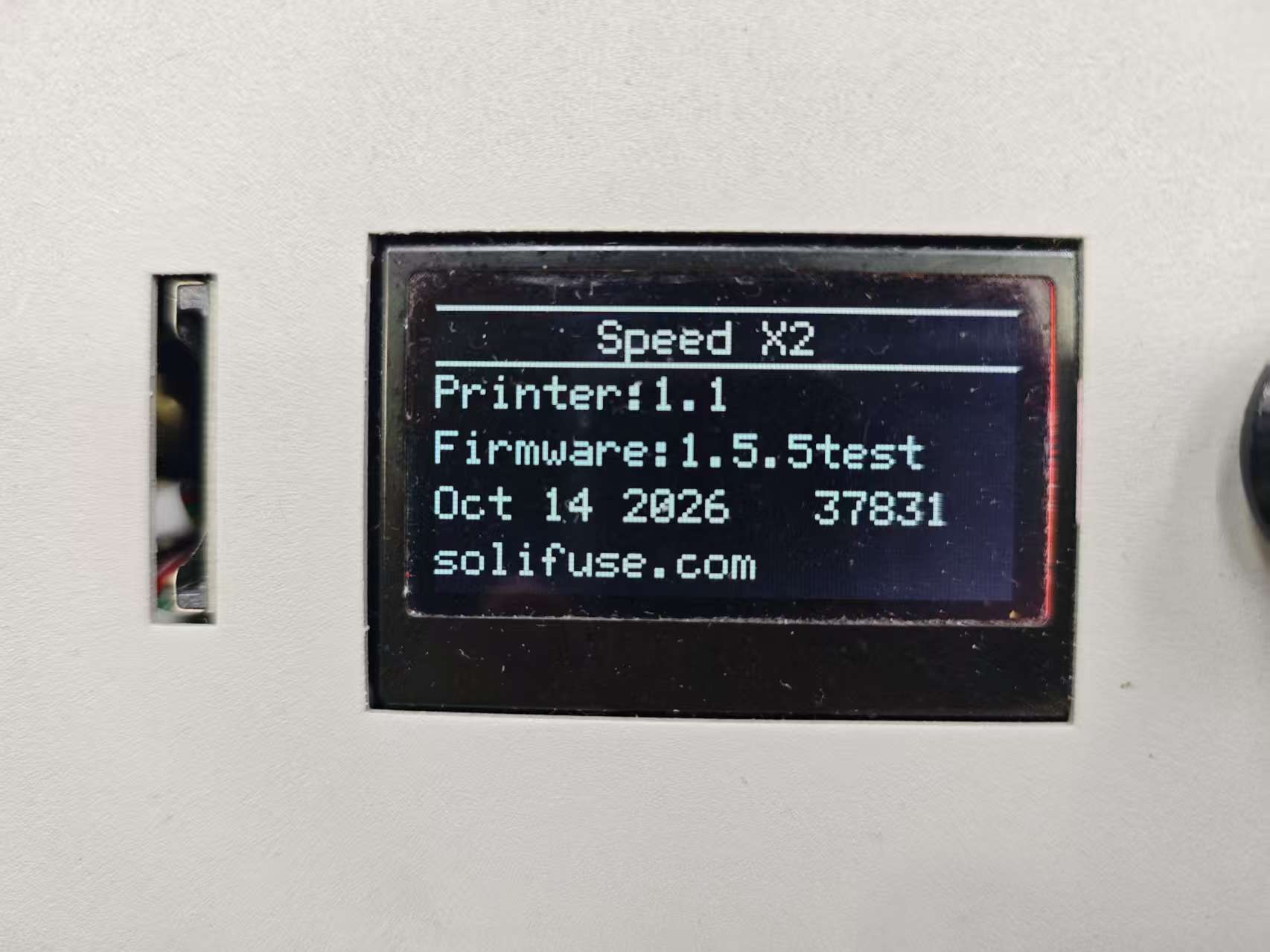
Check the firmware version on the printer screen. It must be 1.5.1 or newer. If the version is older, update the firmware first, then come back to this guide: Firmware Updates
¶ Step 2: Find the EEPROM and the two resistors
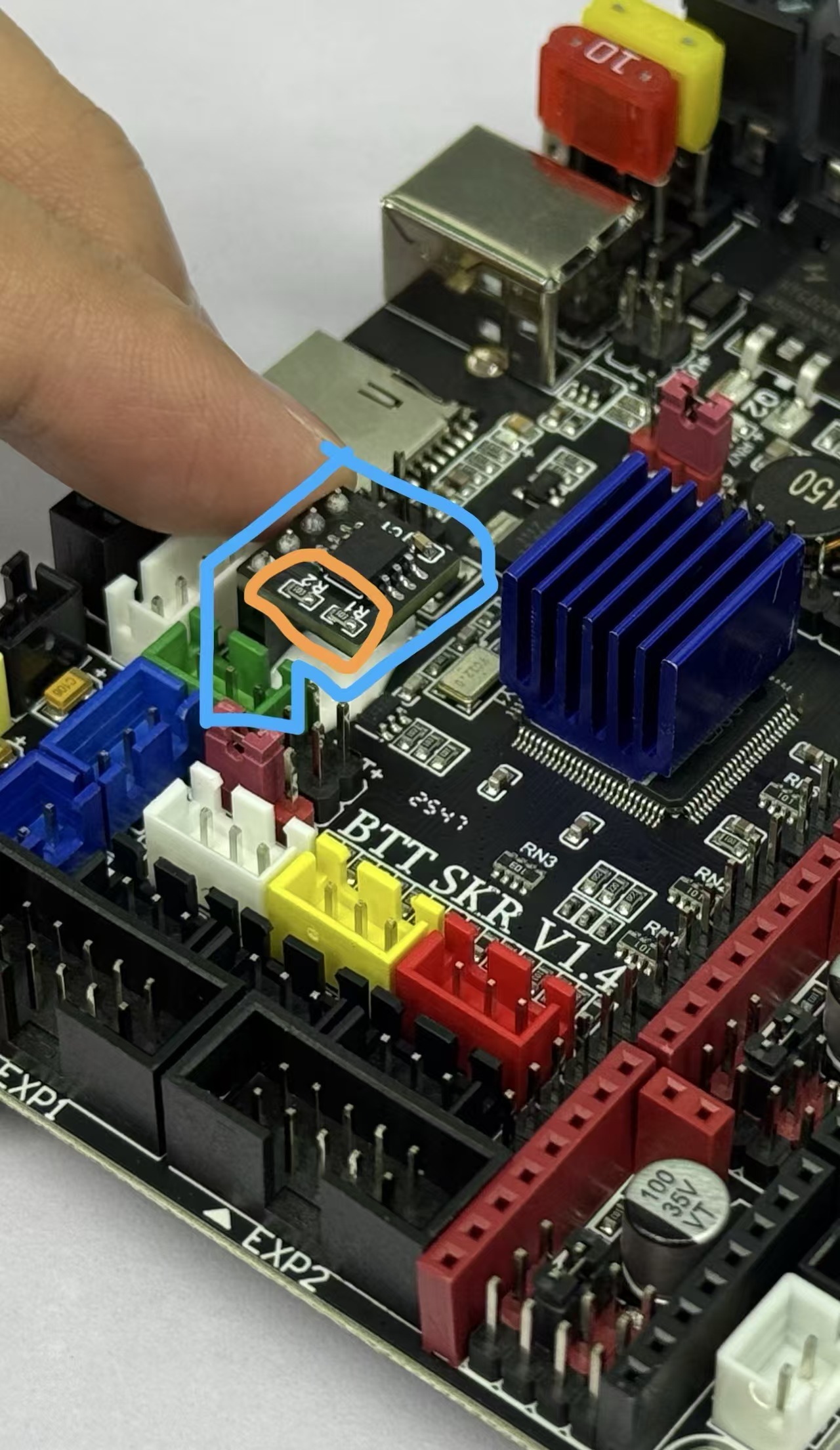
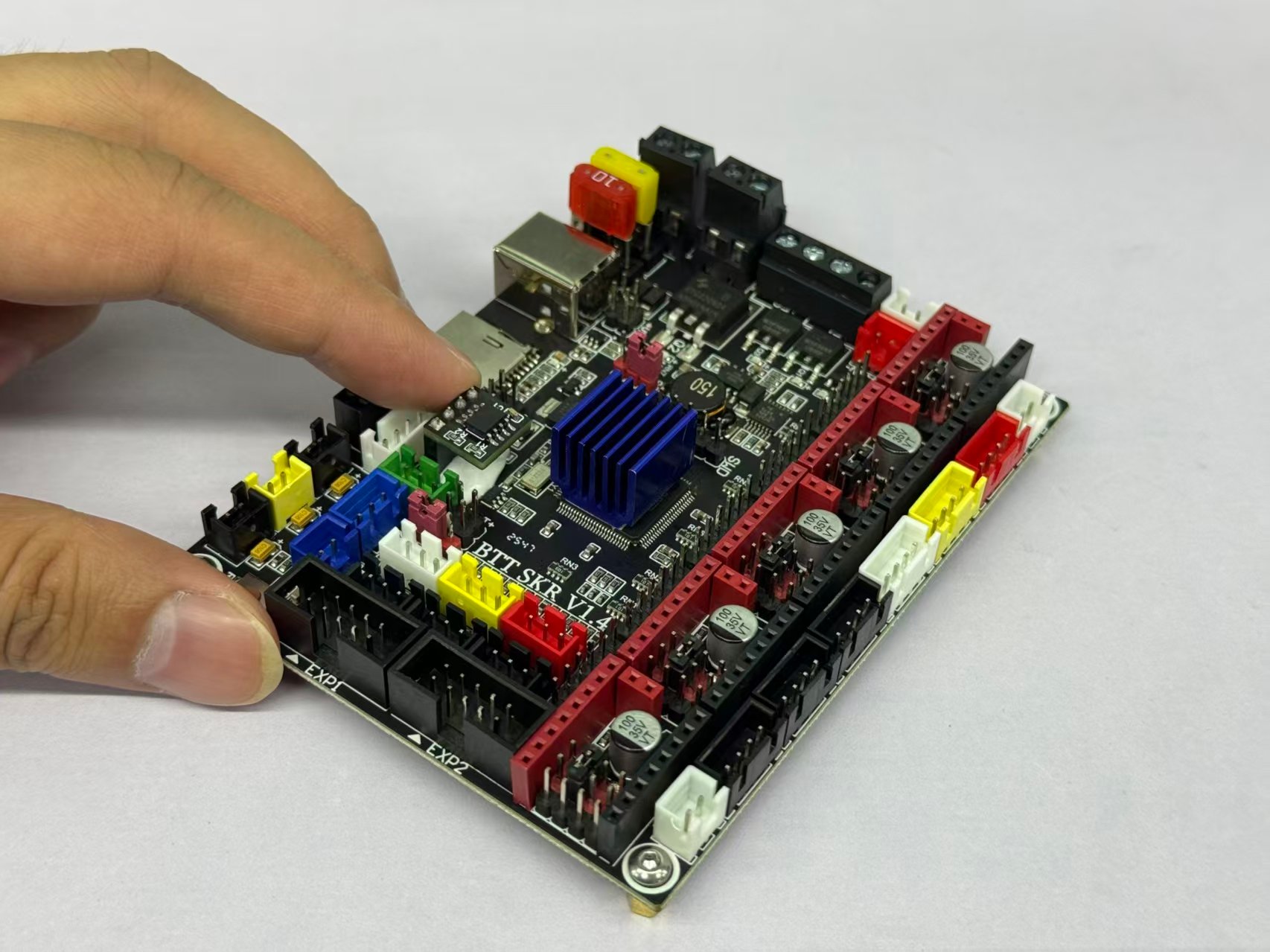
The blue circle marks the EEPROM chip. The orange circle marks the two resistors you need to remove.
 |
 |
¶ Step 3: Remove the two resistors
- Hold one resistor with the pliers. Grip the resistor body, not the board.
- Pull the resistor off. Twist slightly if it does not come off.
- Do the same with the second resistor.
Both resistors are gone when only the two empty pads stay on the board.
¶ Step 4: Check that the settings stay
- Connect the power cord and turn the printer on.
- Set the Z-offset and the Advance K value again.
- Reset the printer.
- Open the settings page and check both values.
Both values stay after the reset when the fix works.
If the printer still loses the values, contact SoliFuse support.