¶ 0. Operation
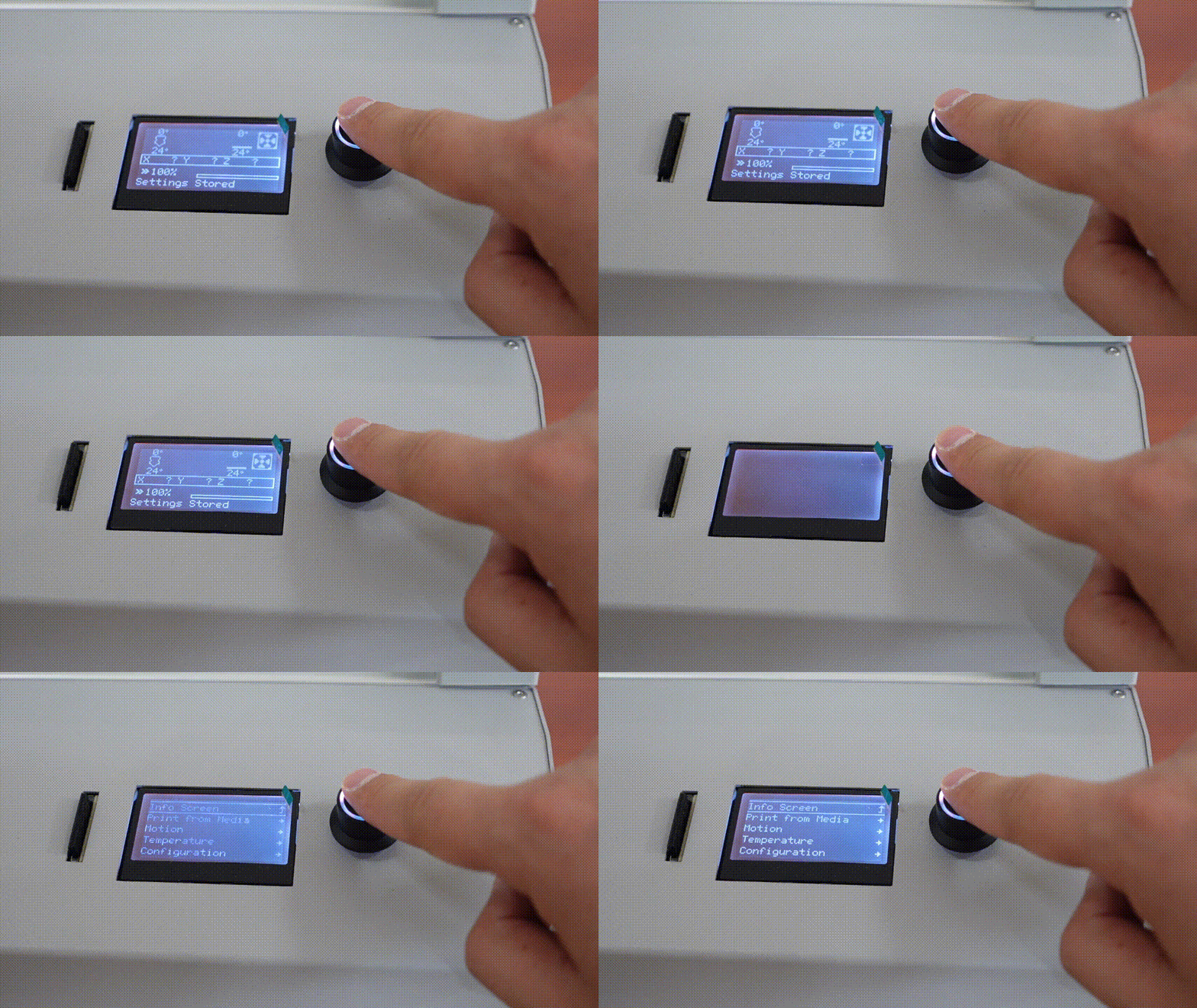
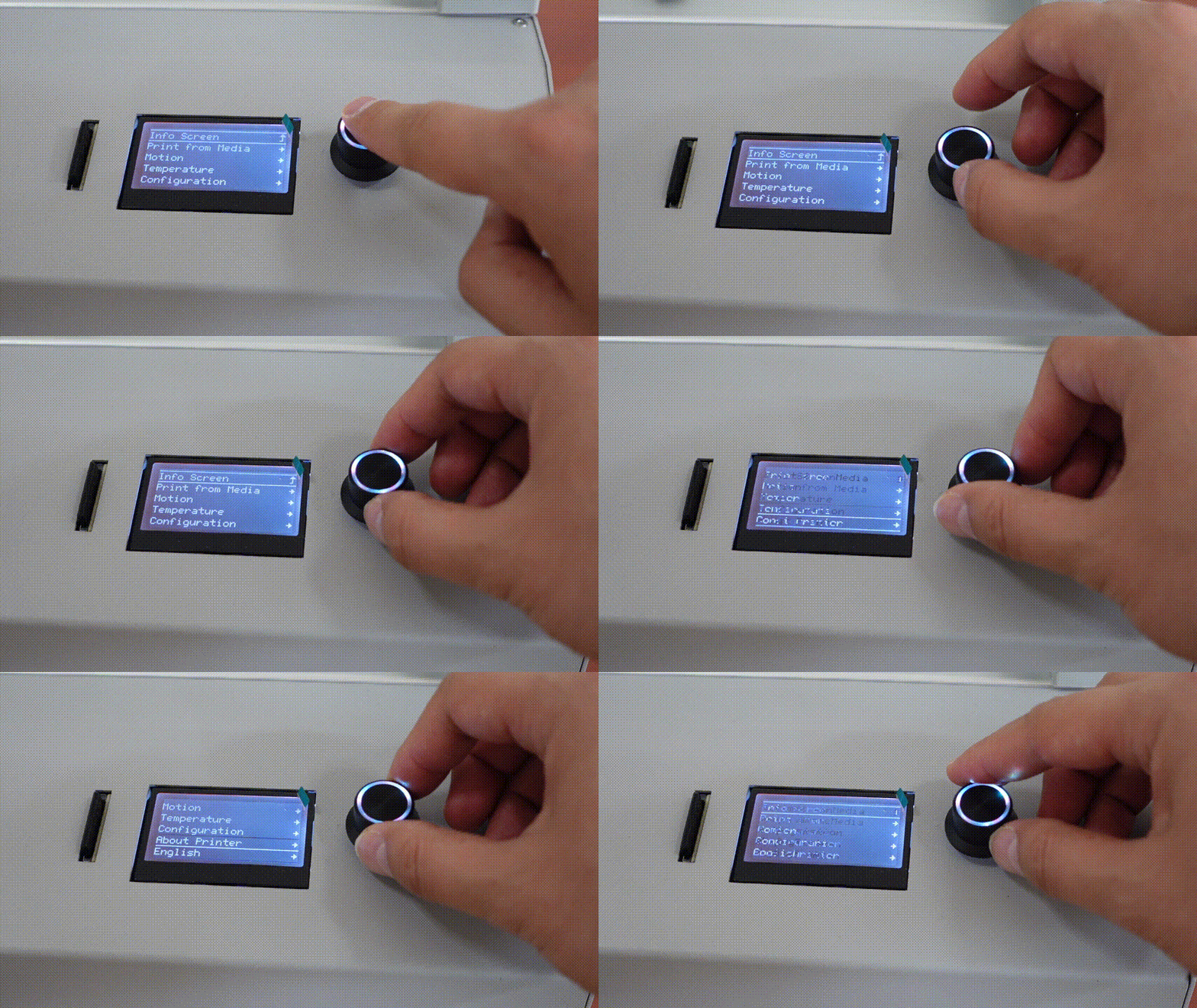
The 3D printer offers a mono LCD screen, a press and rotate all-in-one knob. By pressing and rotating the knob, you can control the printer.
 |
 |
Why is there noise in the power-on unprinted state?
When the 3D printer is powered on, the hot-end cooling fan will run continuously. This is the original design, not a fault. Please note.
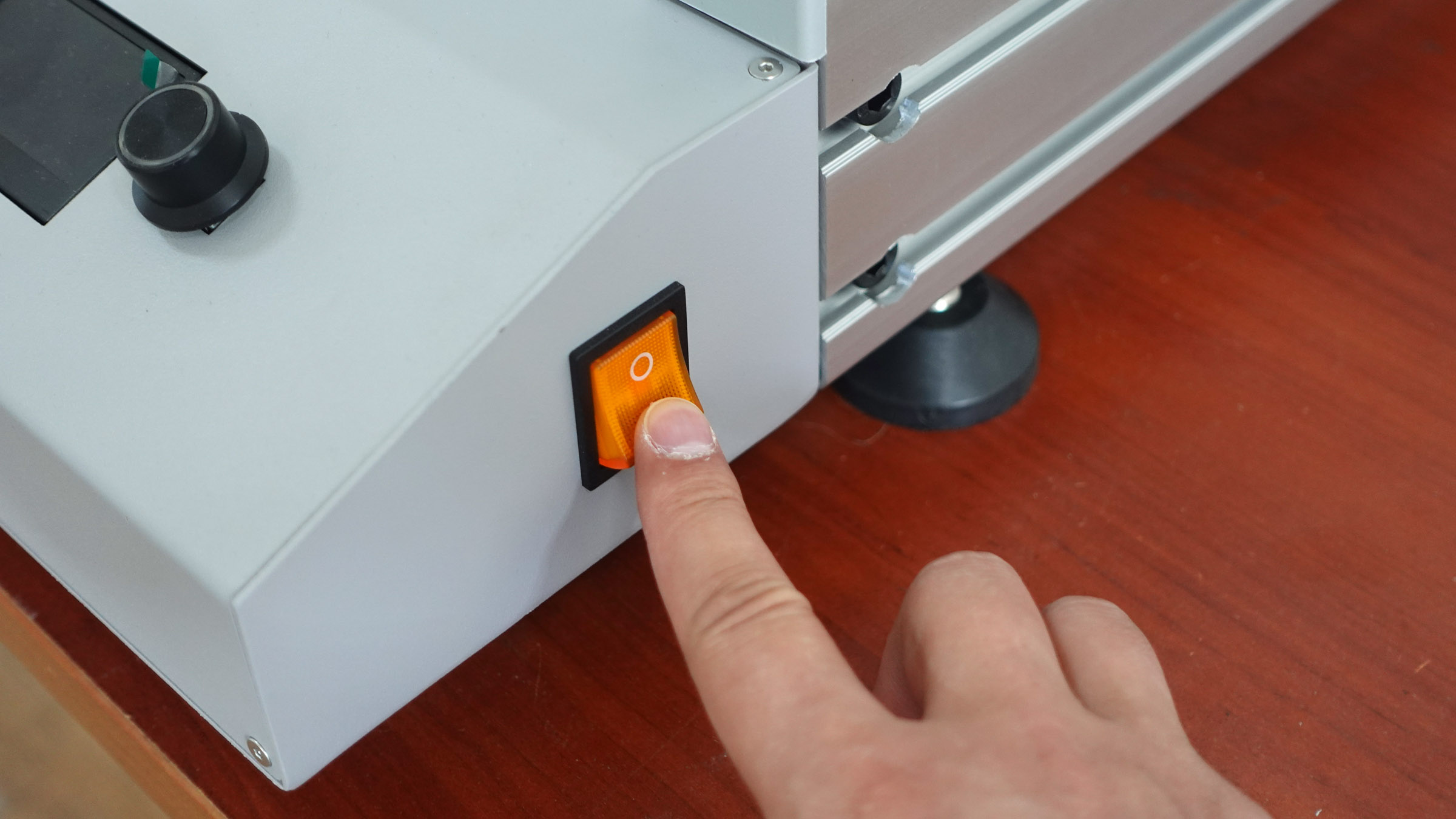
¶ 1. Turn on the printer
¶ 2. Home Position
By moving the print head to the X/Y/Z-axis original point, you will know whether the 3D printer motion system works properly.
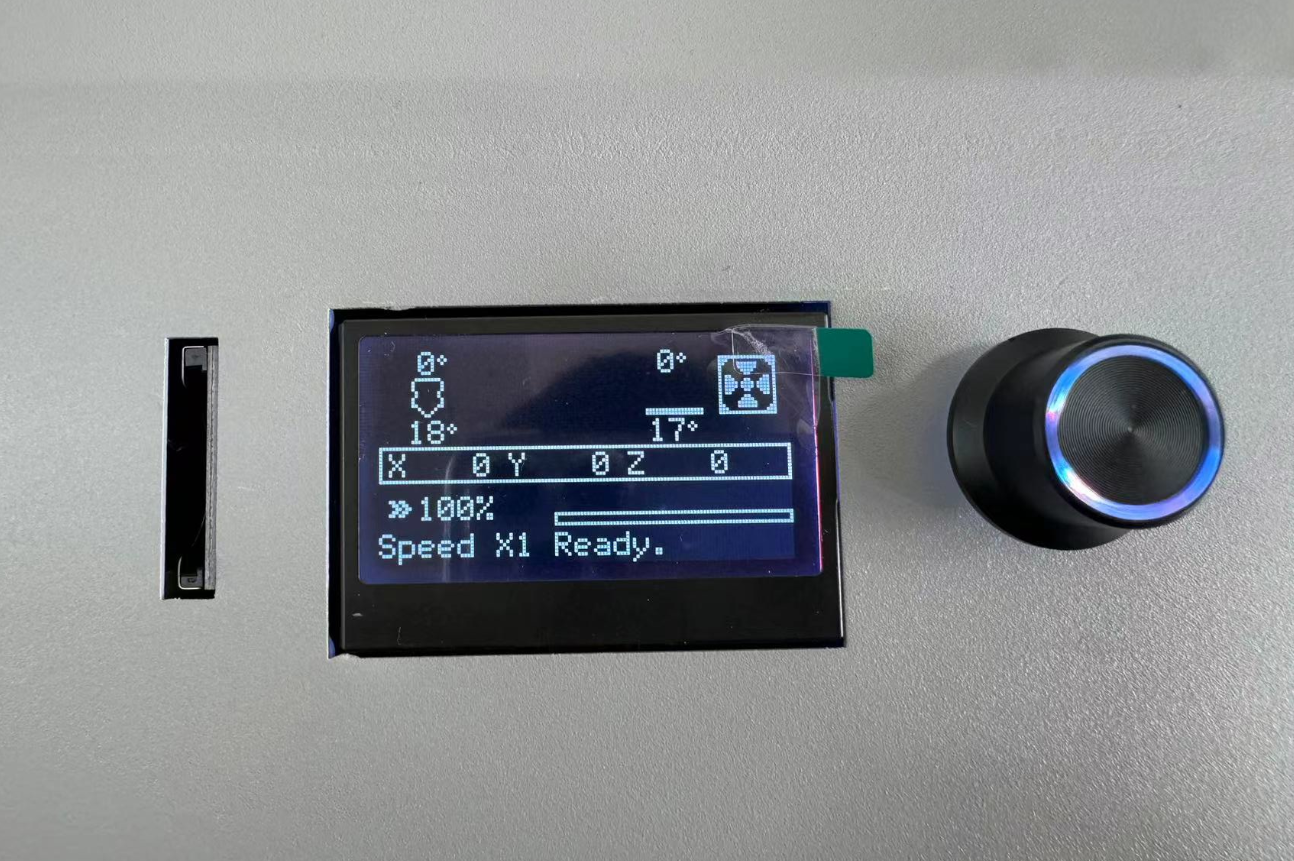
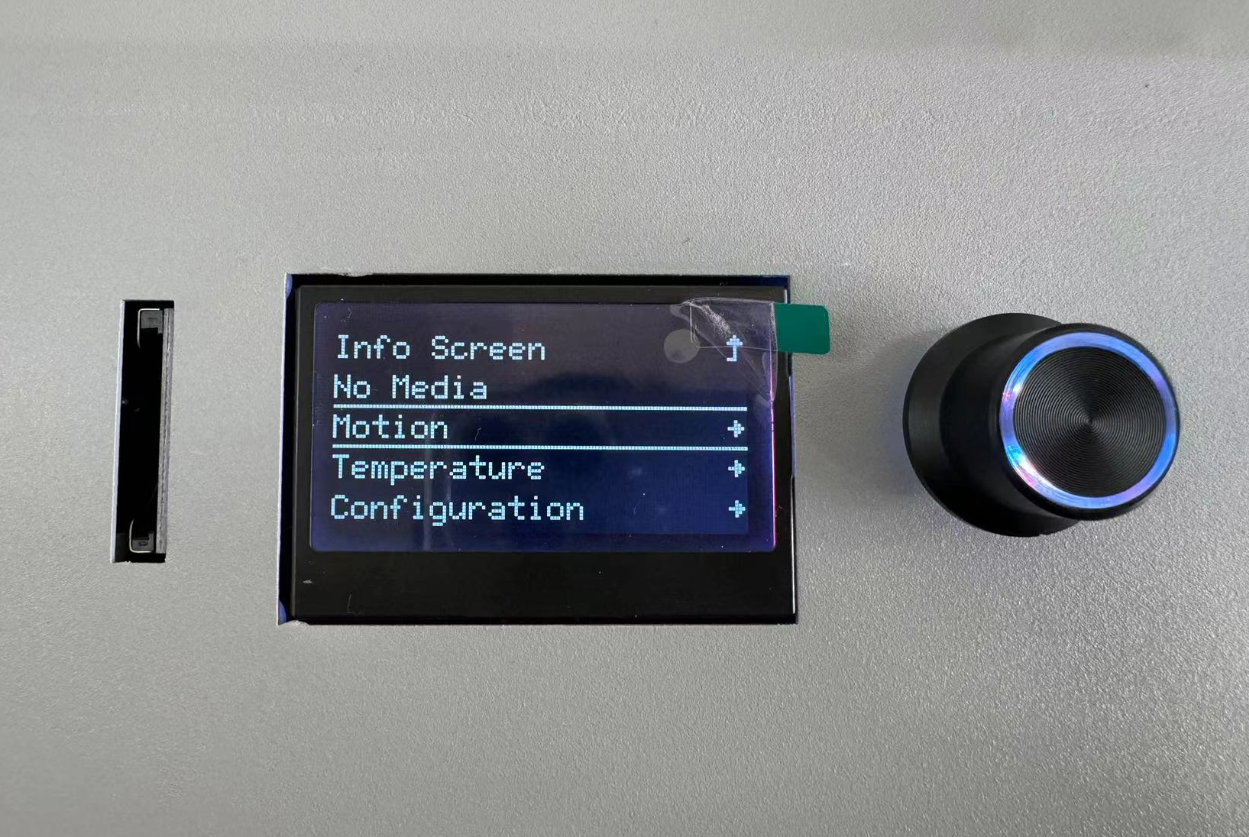
Press the knob to enter the main menu, then go to menu "Motion" → “Auto Home” ↓
 |
 |
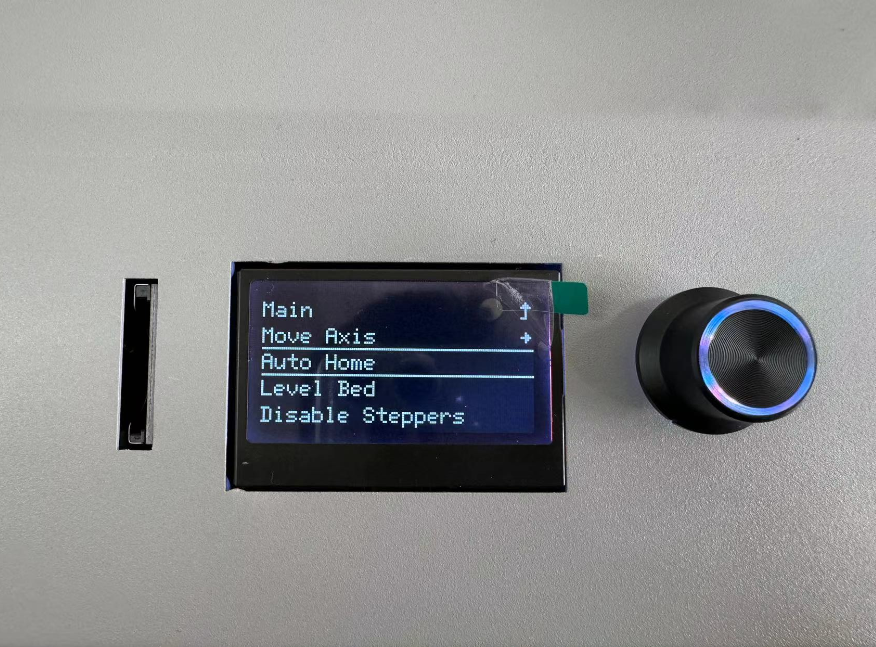 |
The print head will go to the original position of X/Y/Z-axis ↓
After the leveling sensor touches the build plate twice, the print head will stand still, it means "Auto Home" done, also means the motion system works well.
¶ 3. Preheat
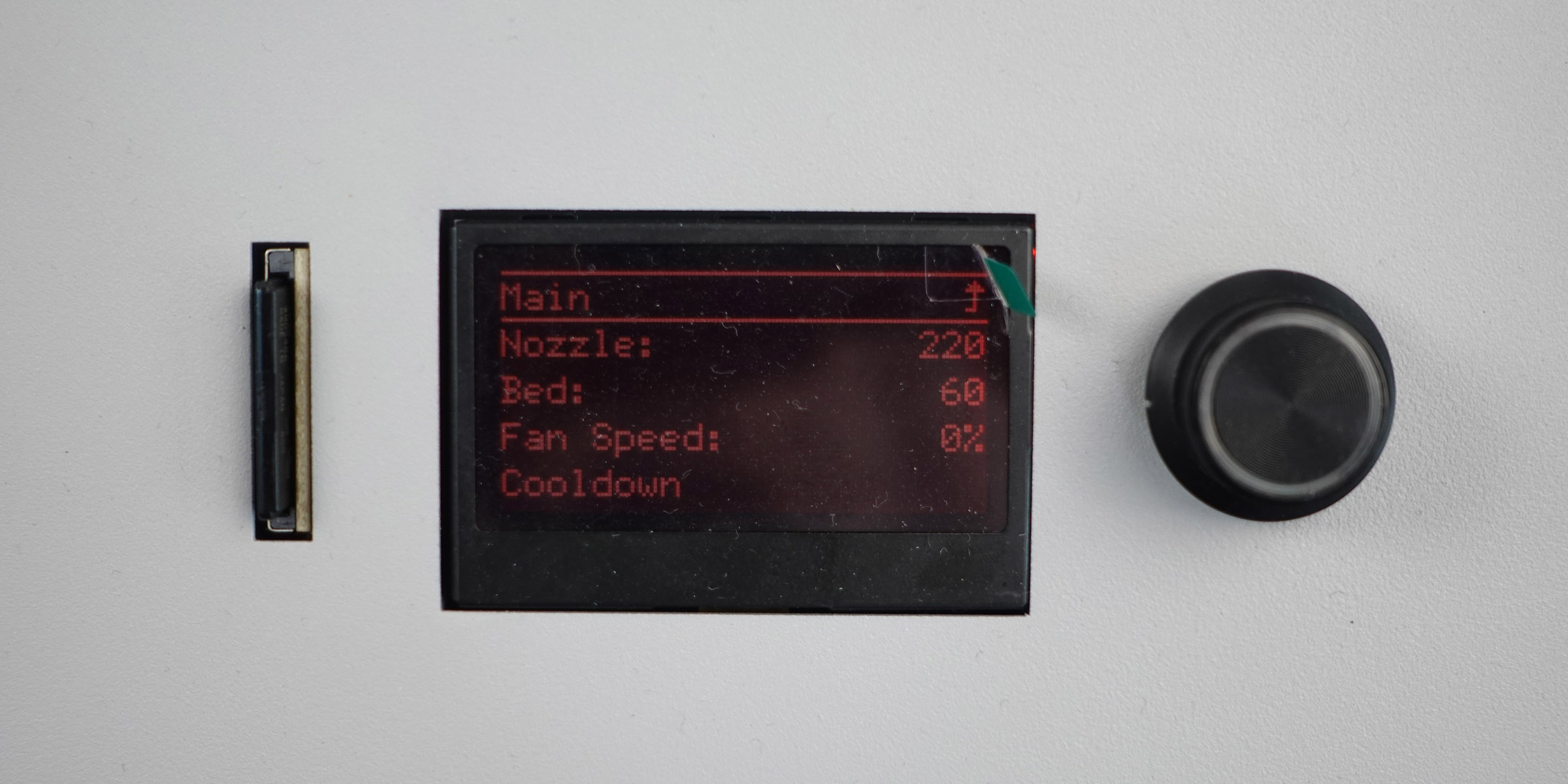
Go to menu "Temperature" → "Nozzle", set it 220;
Go to menu "Temperature" → "Bed", set it 60.
 |
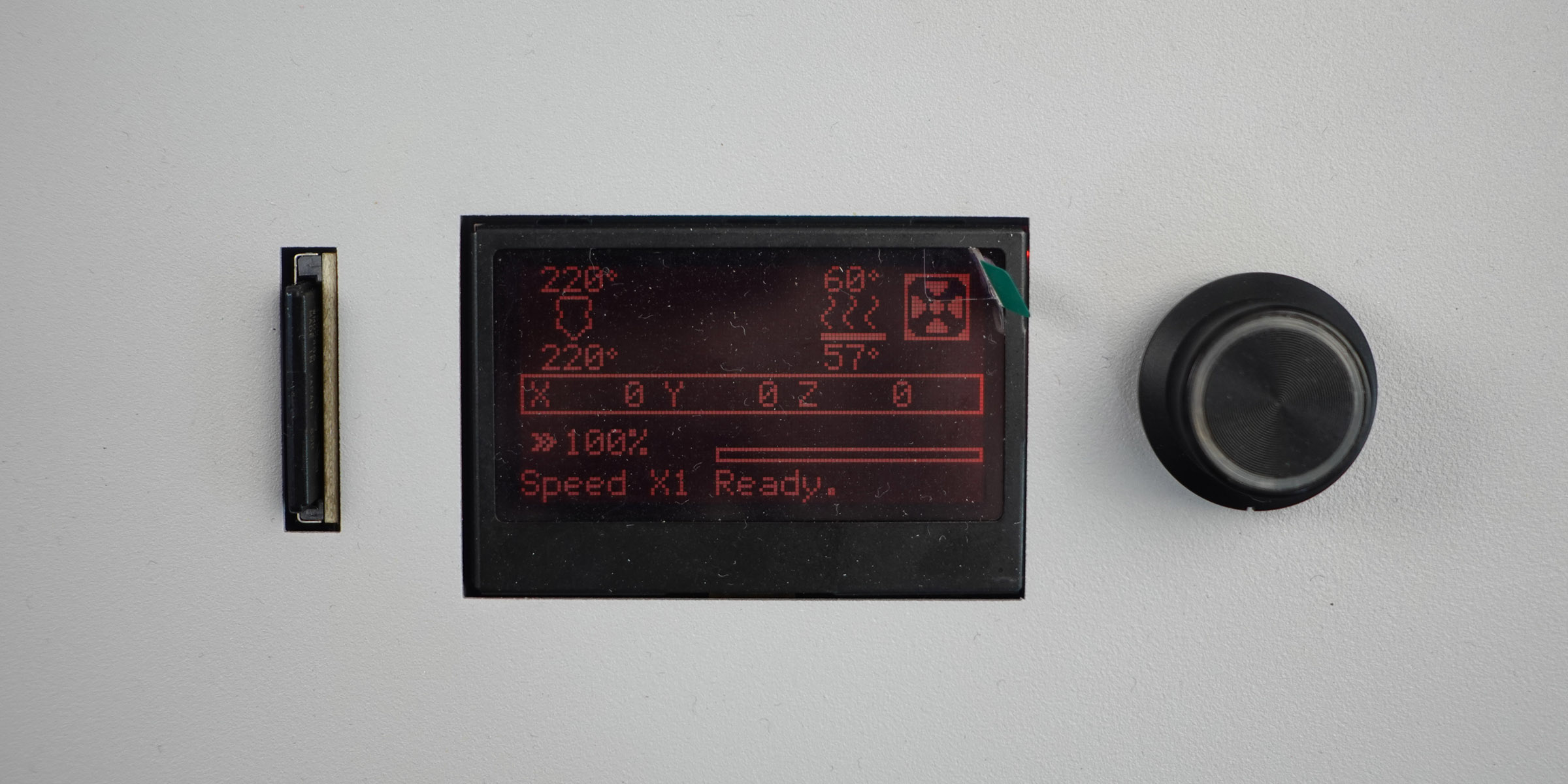 |
If the temperatures reach the set values in ten minutes, it means the heating systems work well.
If not, it means there has been a malfunction in the heating system.