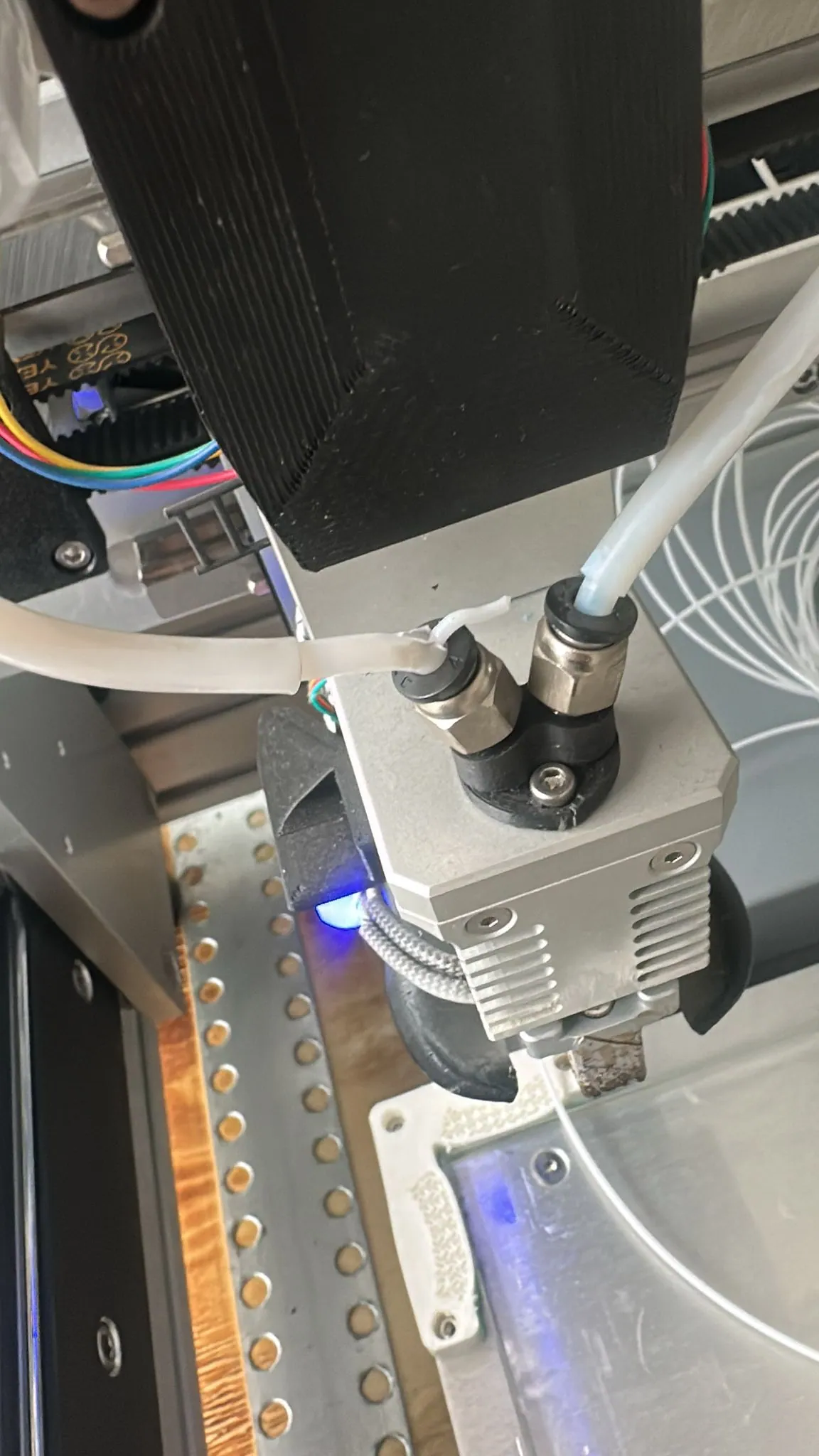
¶ 1. Extruders
| Judgment methods | Fault manifestation | Solution |
|---|---|---|
| Cracking noise | - The shaft inside the extruder was worn-out. - The gears were worn-out. |
Replace the extruder. |
| Low print quality |
¶ 1.1 How to inspect the extruder?
¶ 1.1.1 Tear down the extruder
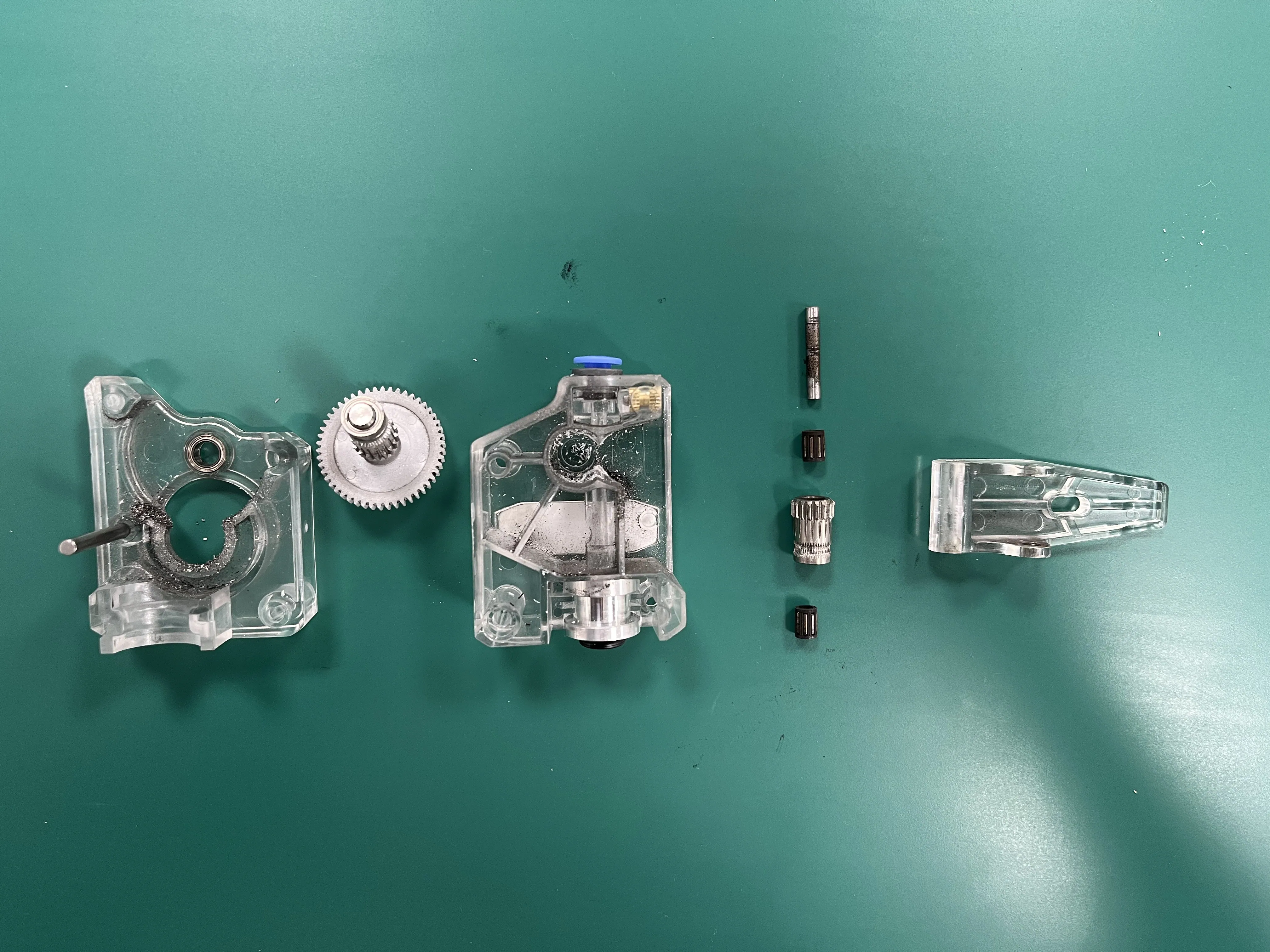
¶ 1.1.2 Check inside for metal shavings
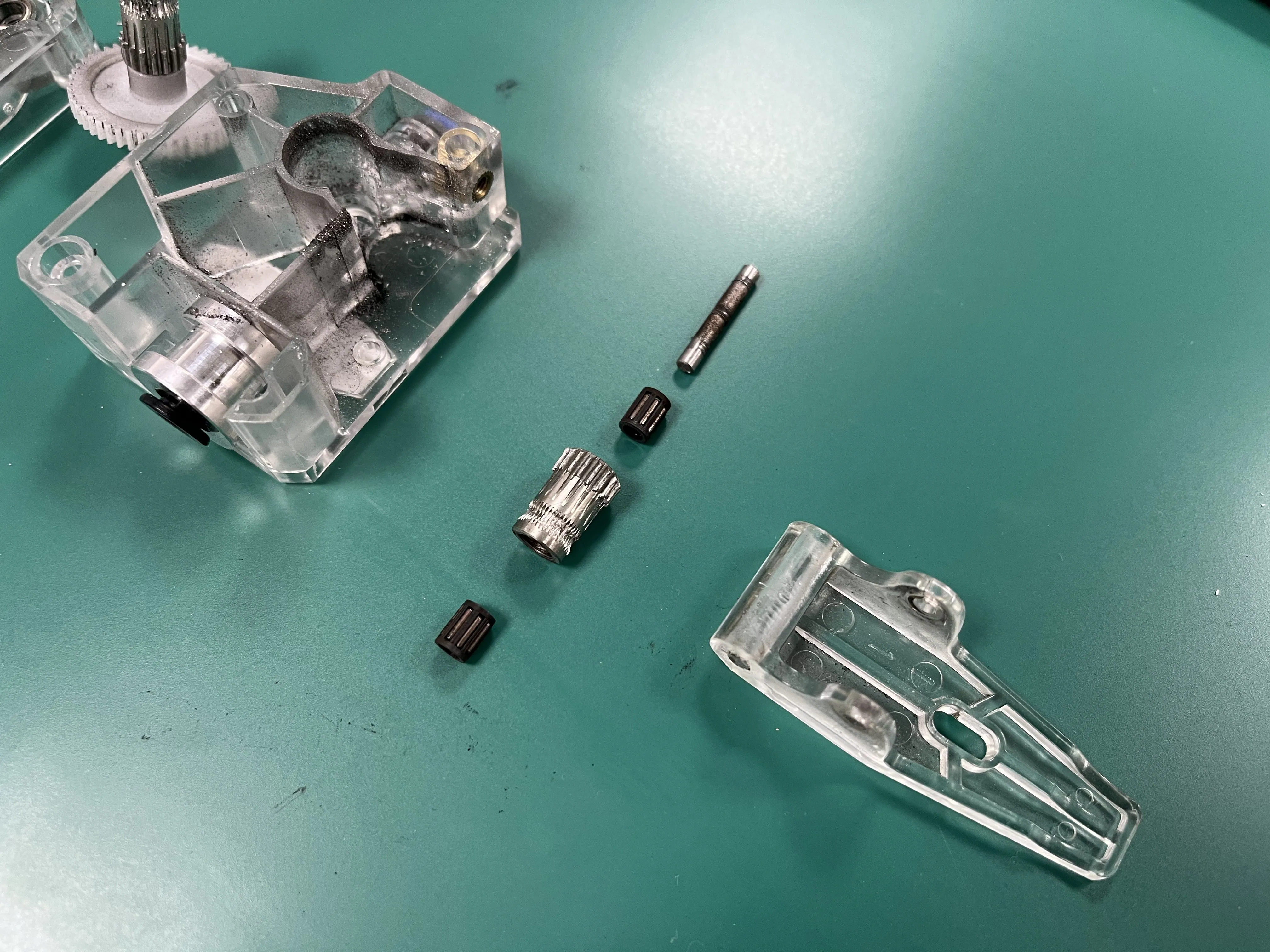
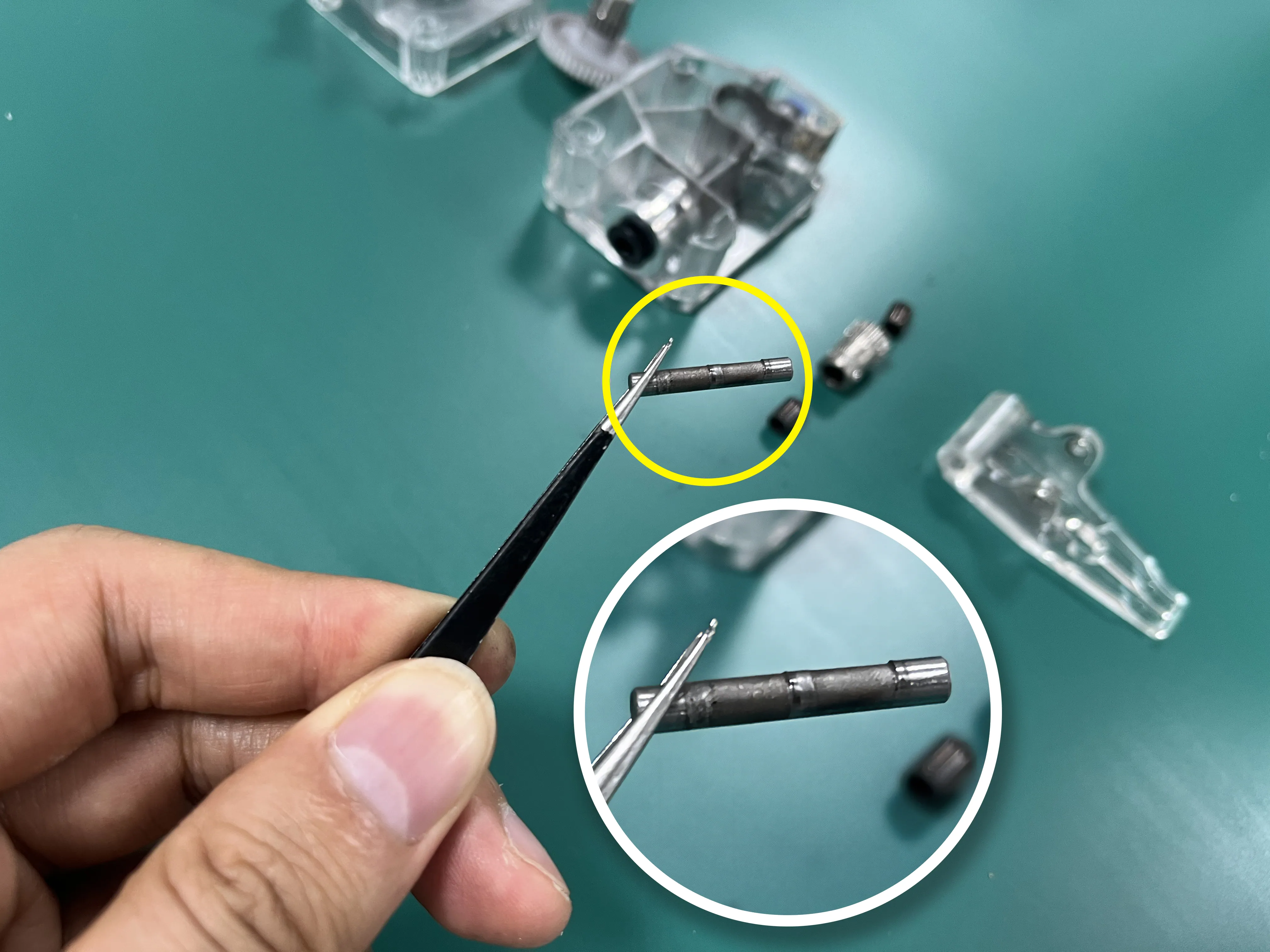
¶ 1.1.3 Further inspection: Check the shaft
¶ 1.1.4 Further inspection: Check the feeding gear
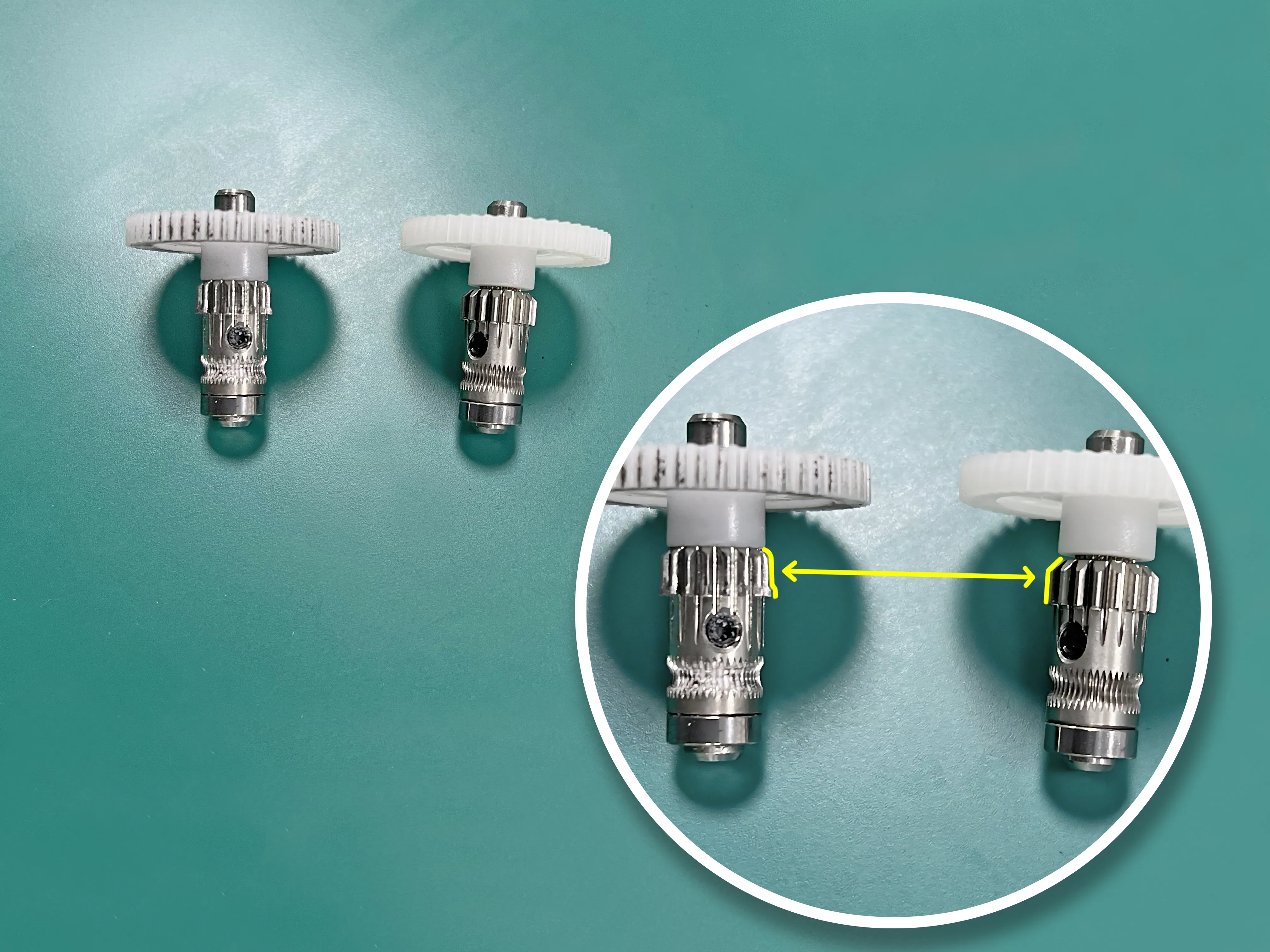
If the shaft or the feeding gear is worn-out, please replace the extruder.
¶ 1.2 How to replace the extruder
Please refer to the instructions on this page to replace your extruder: Replace-the-extruder
¶ 2. Short PTFE tubes under the extruders
Please upgrade your printer's firmware to version V1.4.3 or higher.
If you don't know your current printer firmware version, please turn on the printer and enter the menu "About Printer" - "Printer Info"- "Firmware".
These firmware versions provide reminders to replace PTFE tubes regularly, ensuring 3D printing does not fail midway due to PTFE tube breakage.
Download the firmware on these pages: Firmware Updates
Understand the PTFE tube replacement reminder on this page: Replacement reminder
¶ 2.1 Inspect or replace the PTFE tubes?
Please take the short PTFE tube off according to this guide. Check whether any part of the tube is thinning.
If it's getting weaker, please replace it with a new tube (Check the right PTFE tube in the same way).
¶ 2.2 What would happen if you did not replace it in time?
If you did not replace the PTFE tube in time, you might encounter printing failure.
The tube breaks during printing, and the filament runs outside of the tube like this: