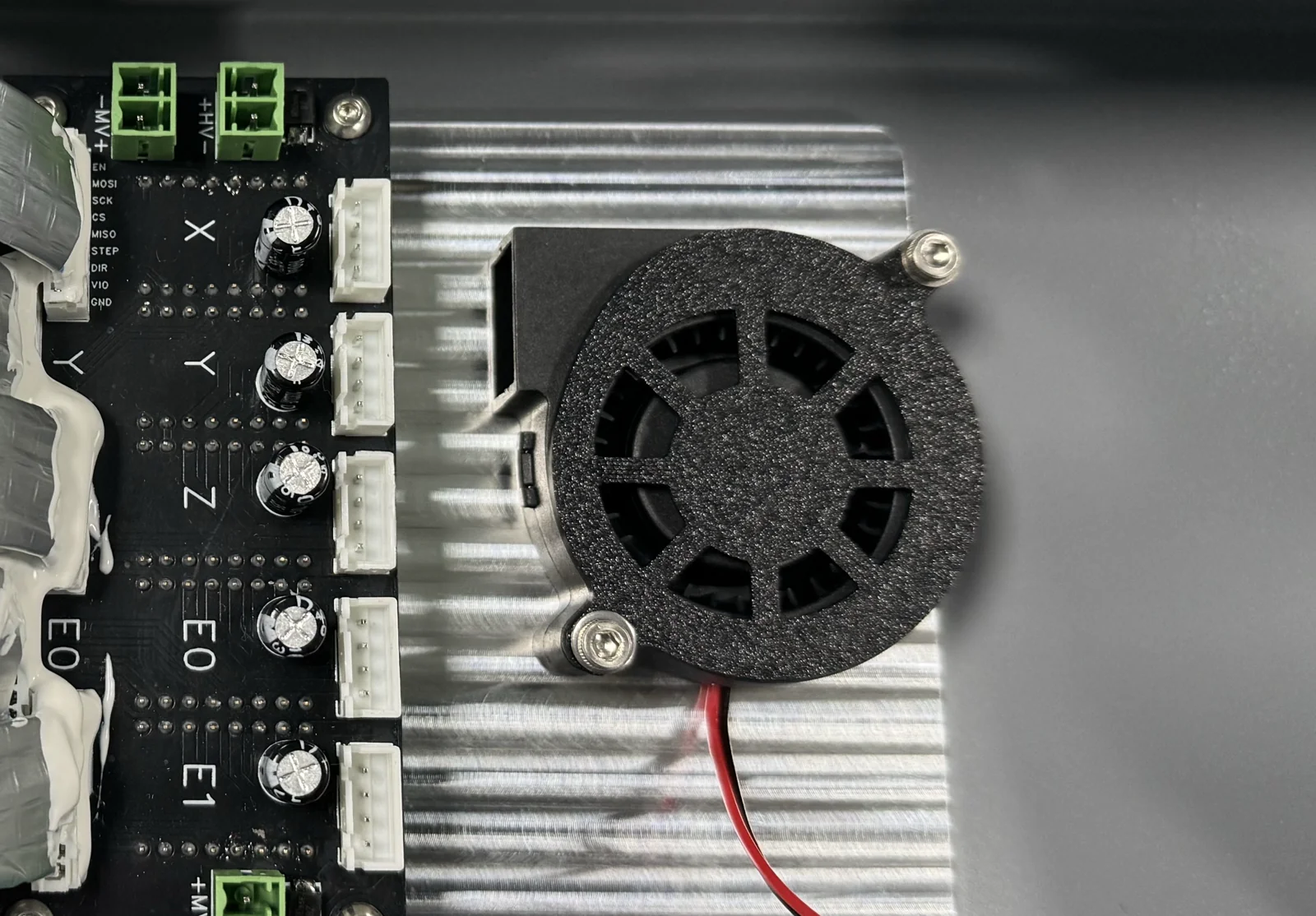
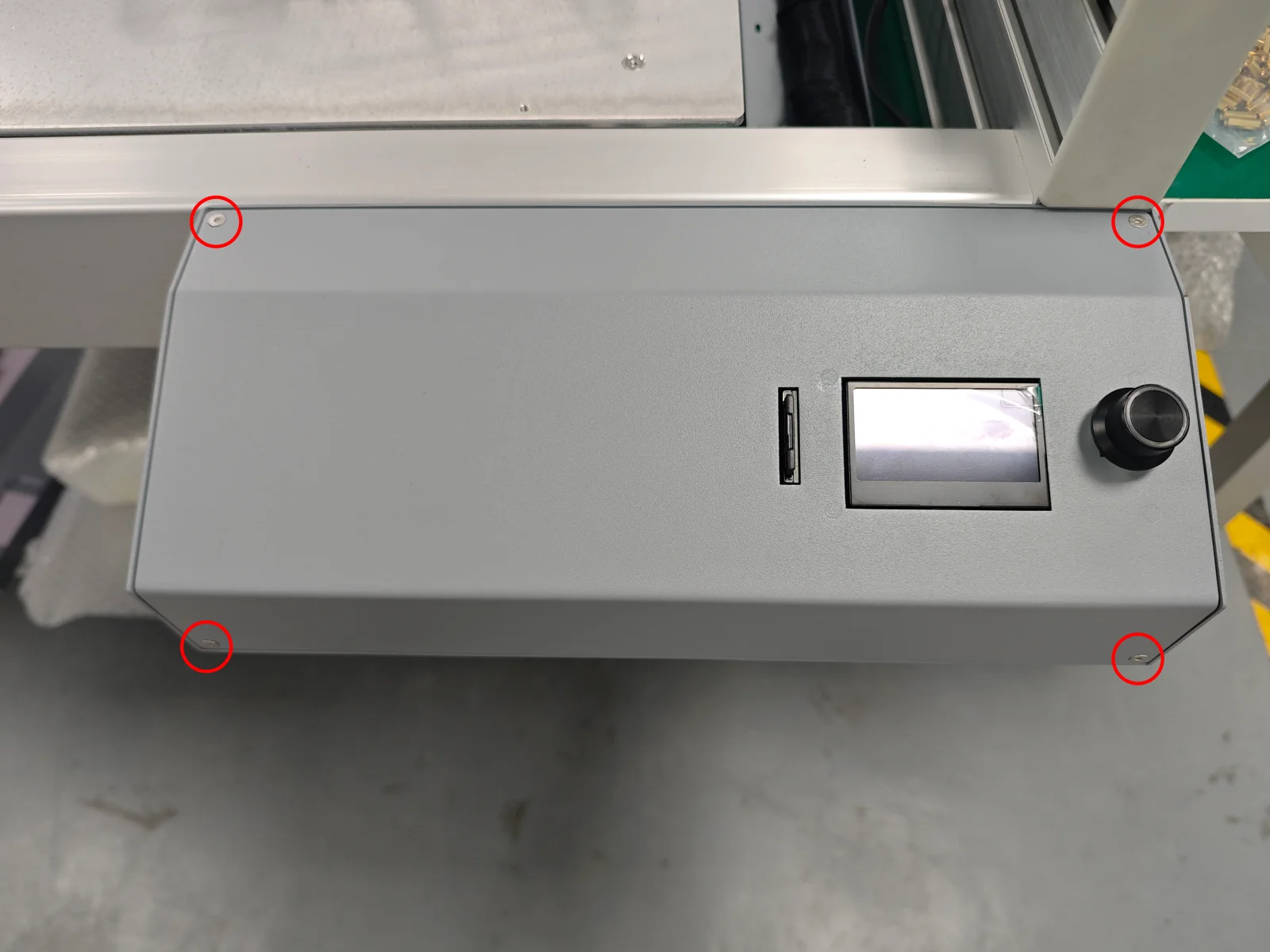
¶ 1. Open the mainboard box
Remove the four M3×4 socket countersunk-head screws and open the cover of the mainboard box.
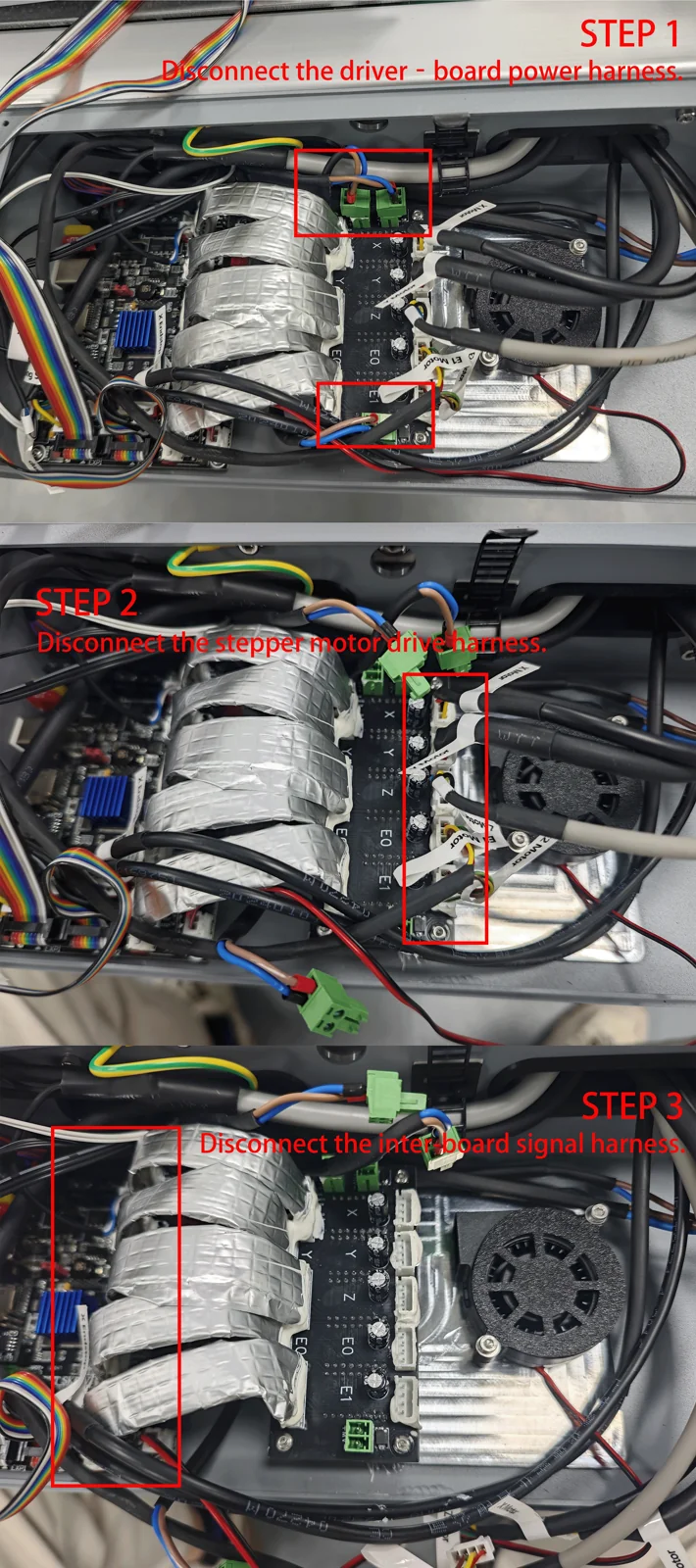
¶ 2. Disconnect the cables
Disconnect all the cables of the drive board.
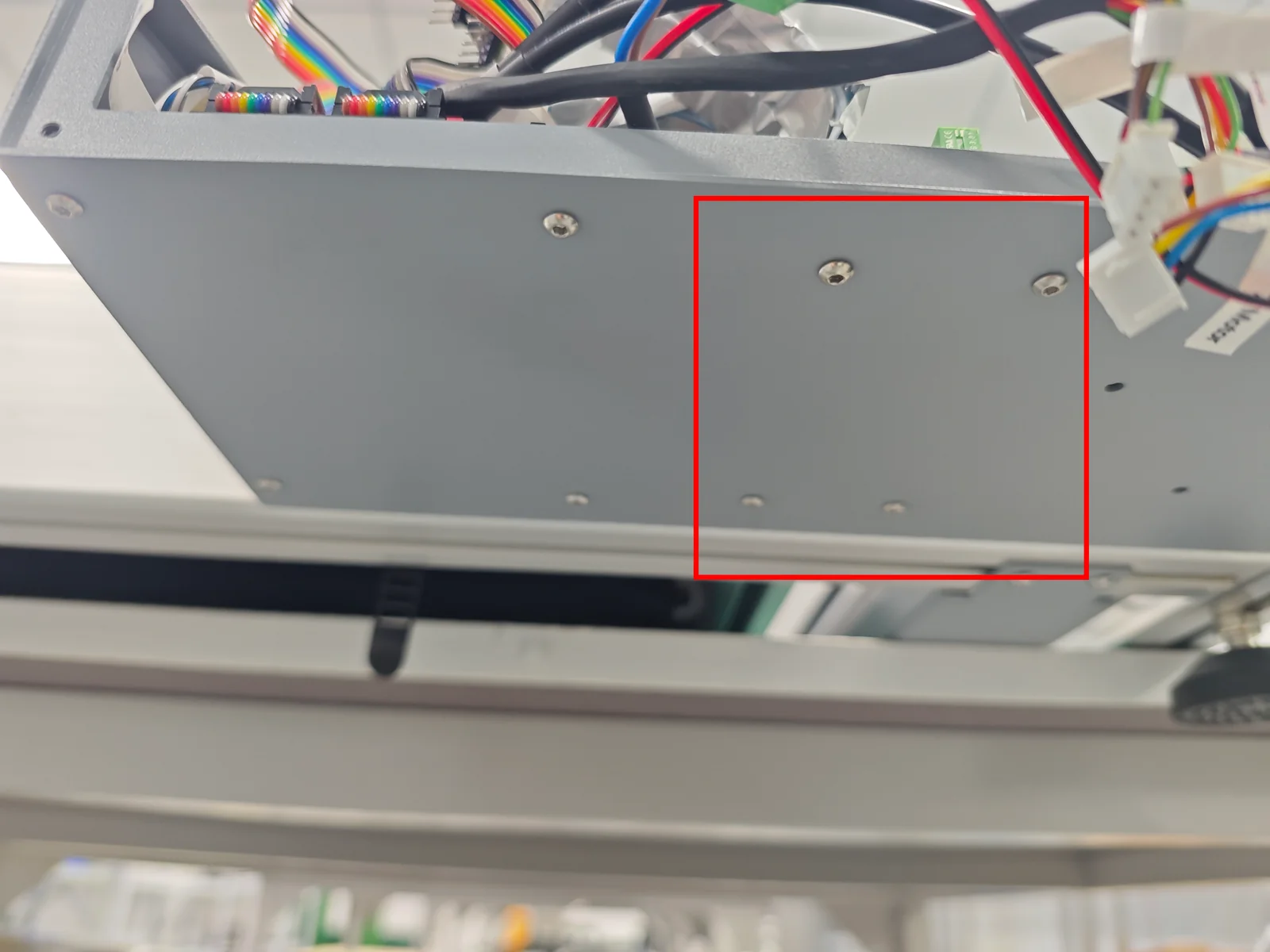
¶ 3. Remove the bottom screws
Remove the four M3×8 pan-head socket-head screws at the bottom of the mainboard cover.
¶ 4. Remove the old-version drive board
Remove the old-version drive board unit, then clean the aluminum sheet and strip away all leftover heat-transfer pads.
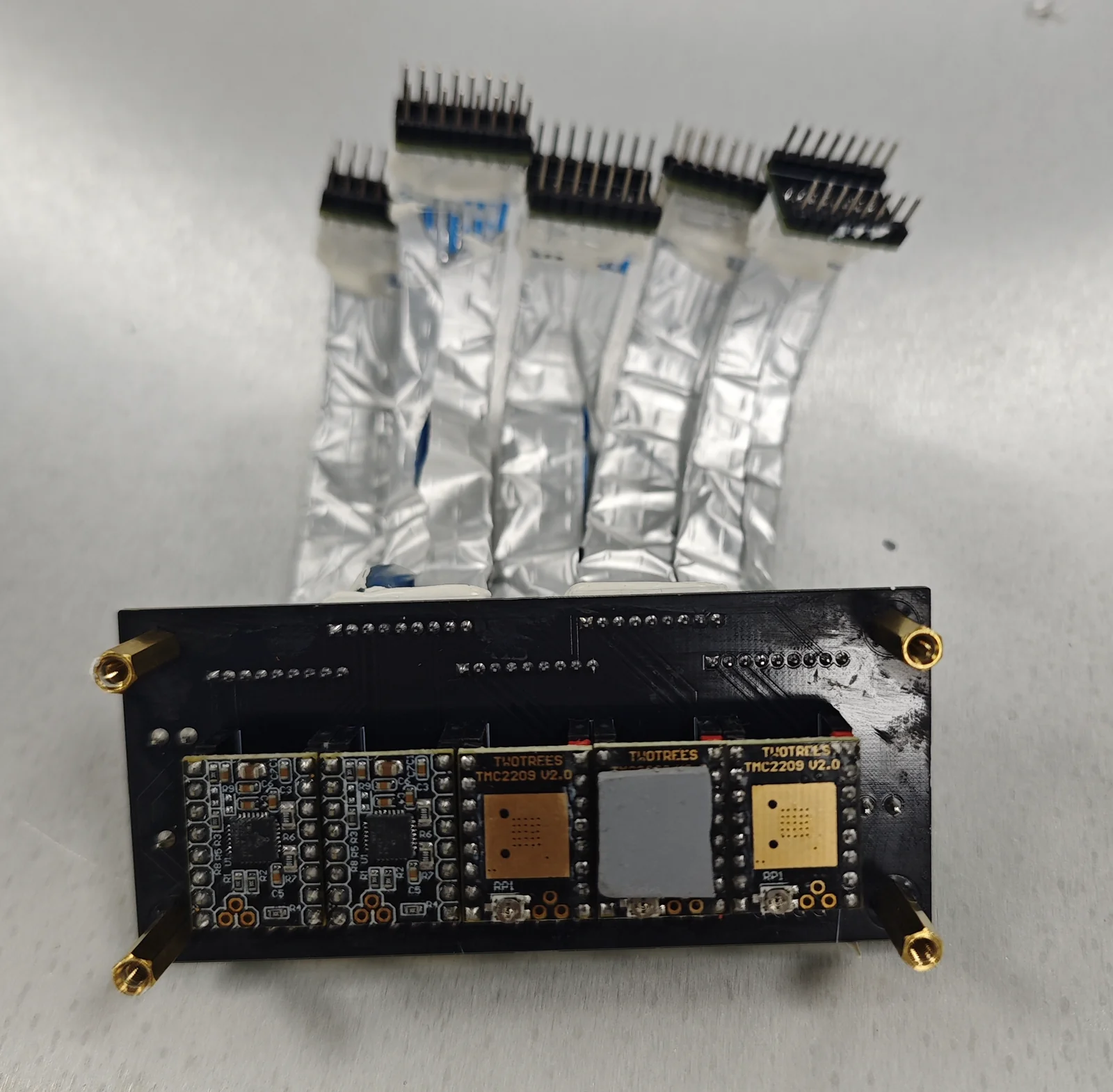 |
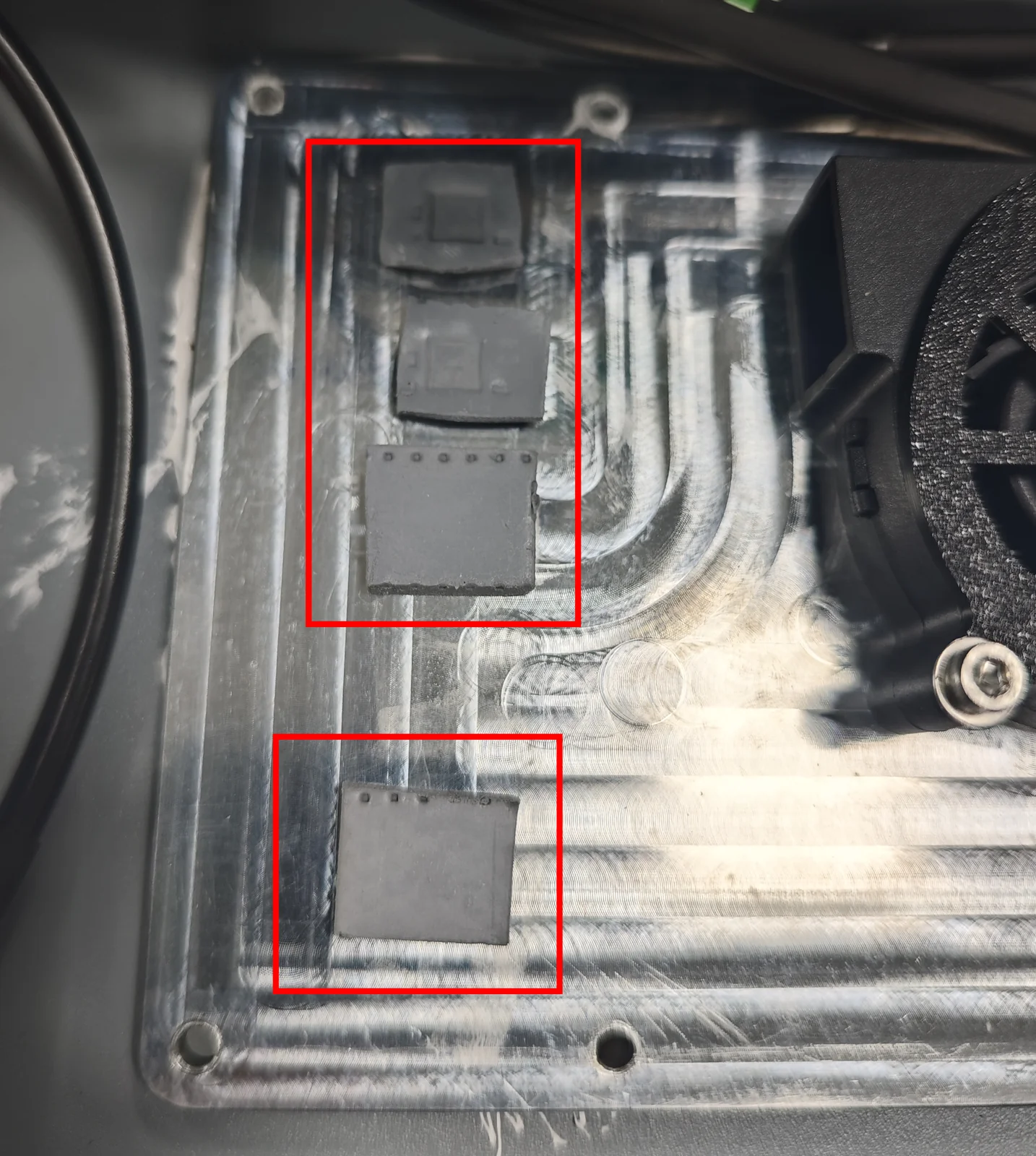 |
¶ 5. Install the new-version drive board
Take the new-version drive board unit, remove the plastic film and install it inside the mainboard housing, and secure all mounting screws.
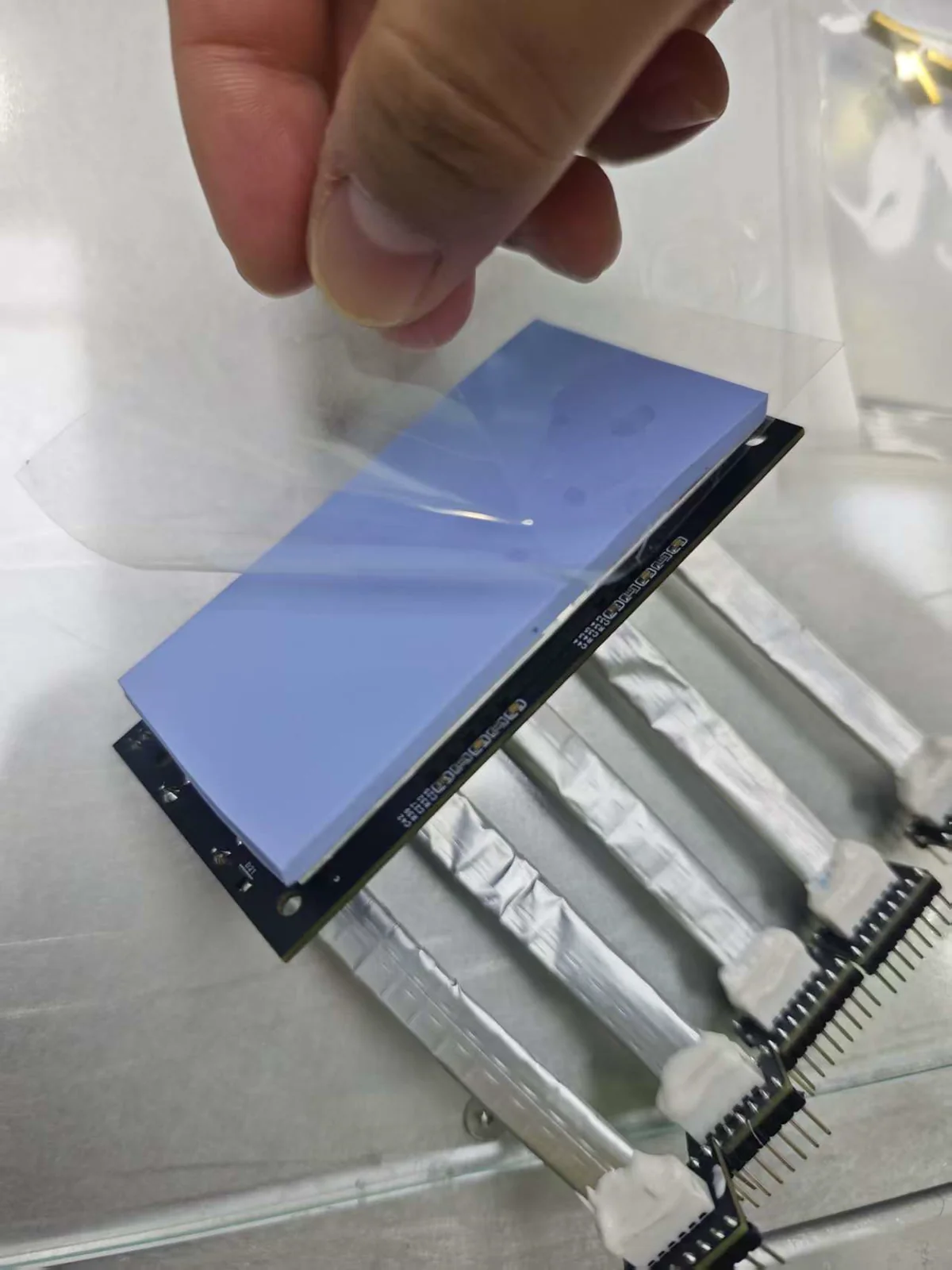
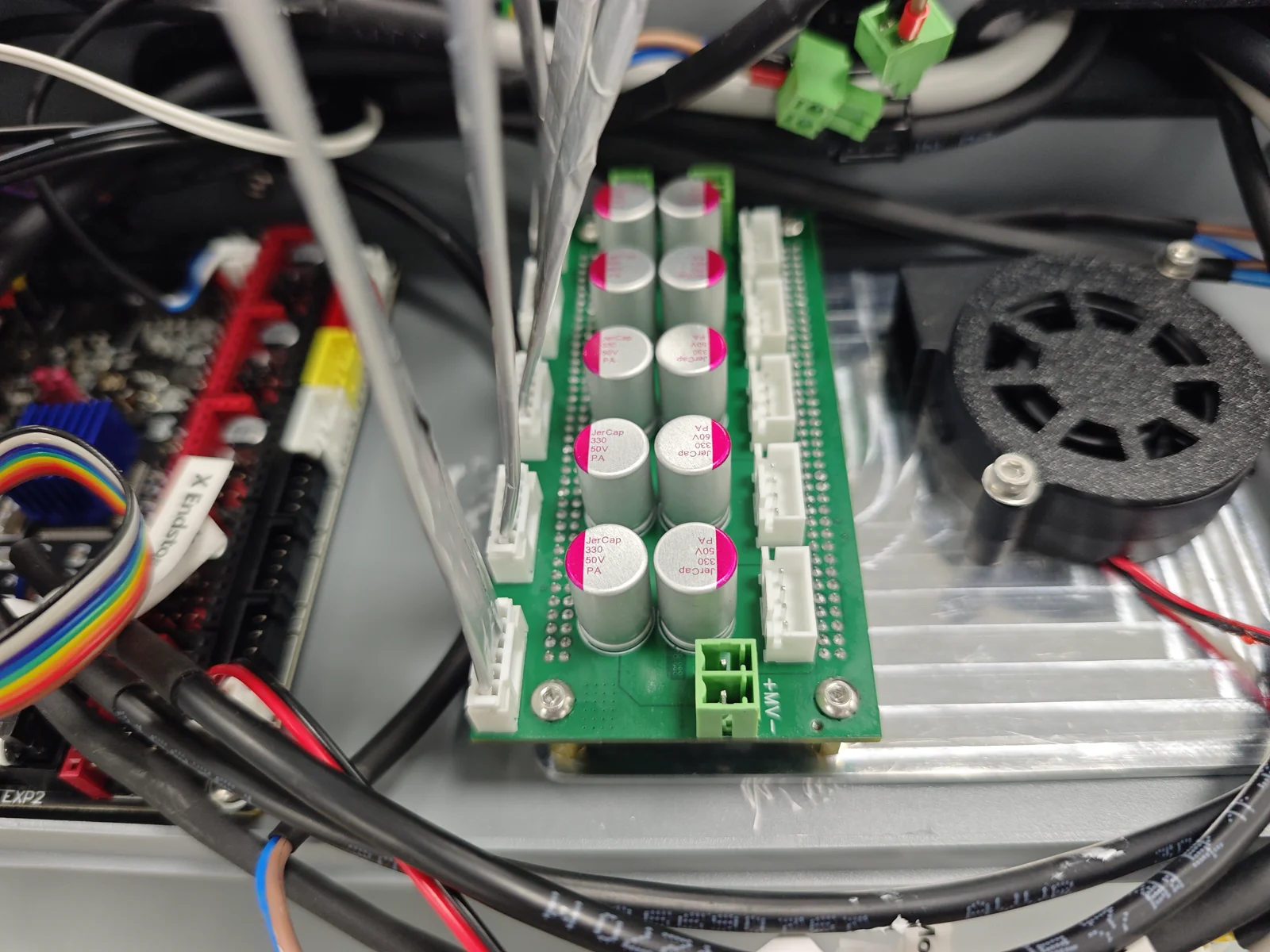
⚠️ Align the brass standoffs with the screw holes before fastening the screws. Make sure the heat-transfer pads do not shift or fall out.
Install new shorter brass posts and verify that the thermal pad is in direct contact with the metal housing.
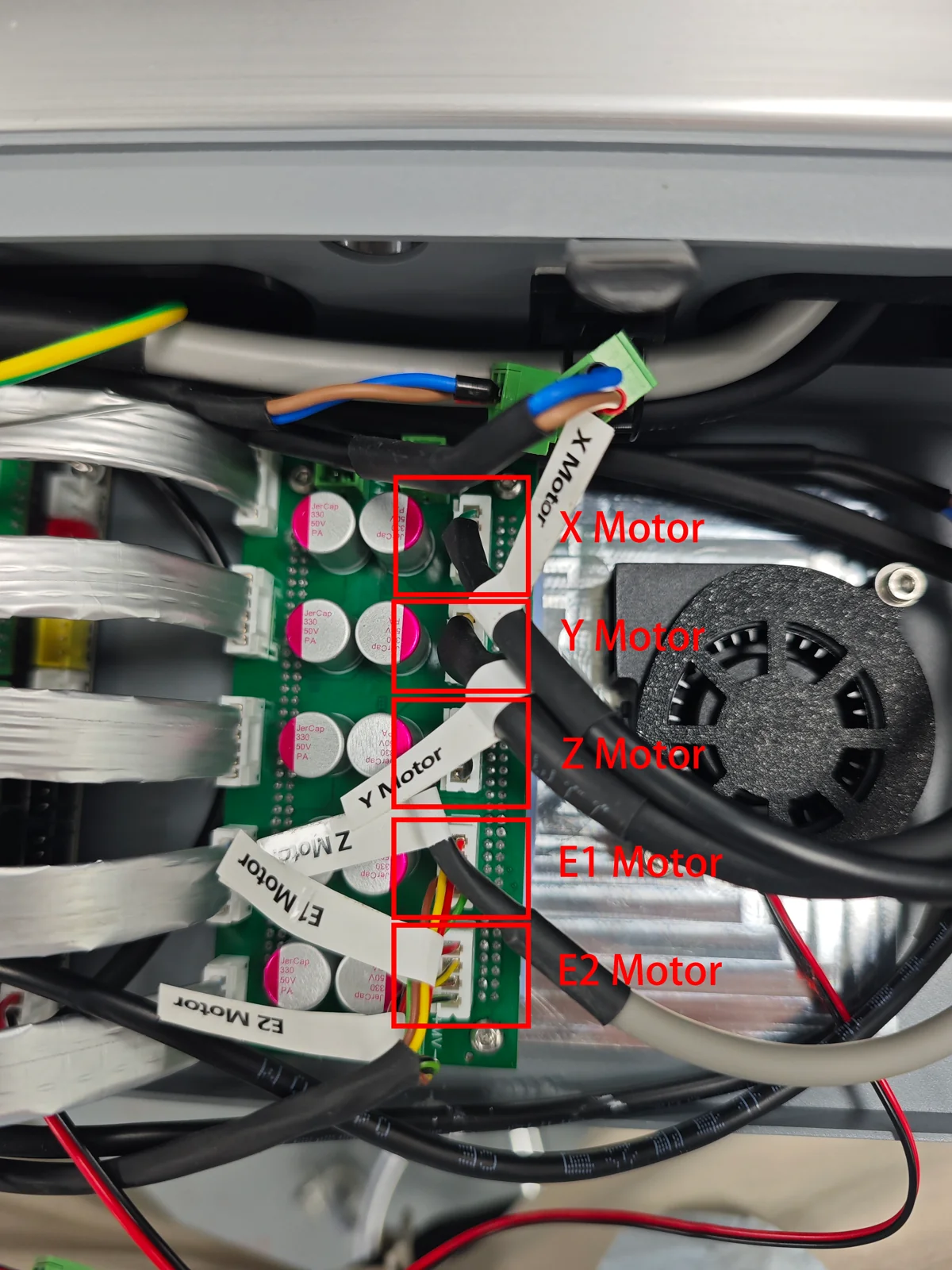
¶ 6. Reconnect the connectors
Reconnect all connectors as they were on the old-version unit.
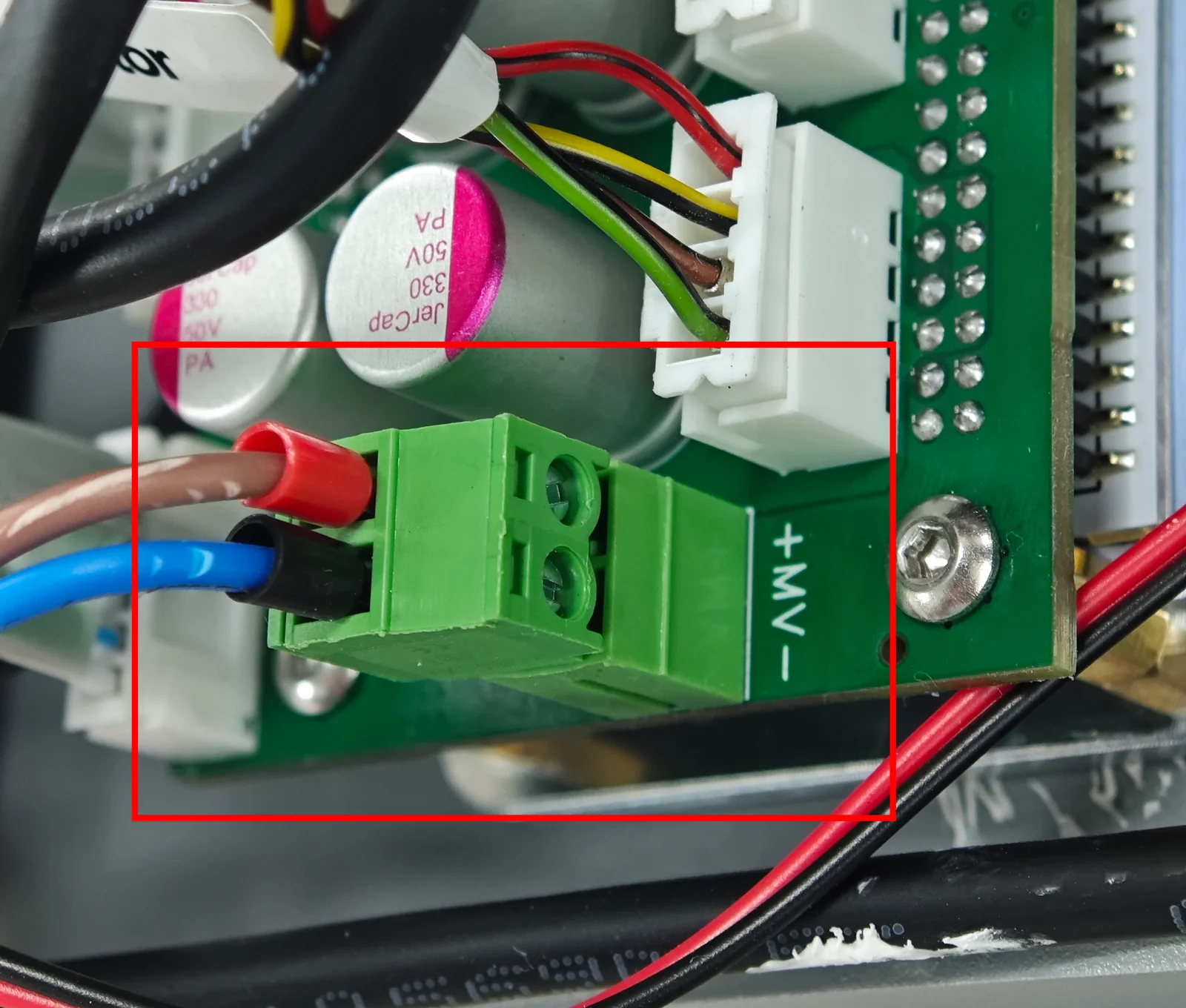
¶ 7. Check the power harness
Pay attention to the power harness: red is positive (+) and black is negative (−).
¶ 8. Remove the fan
Remove the fan.