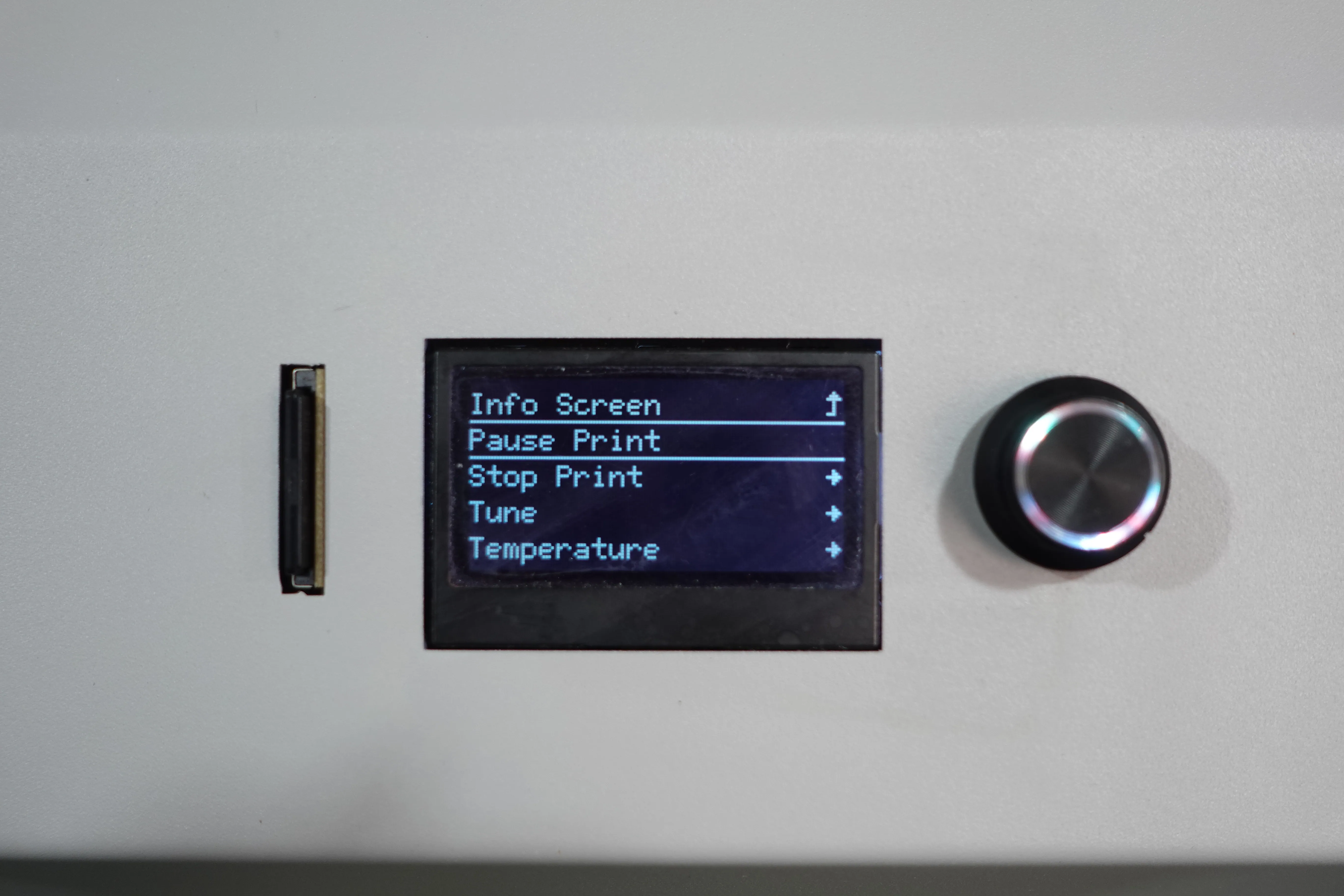
If you want to change filament during printing, you can manually do it anytime using "Pause Print“ funtion.
¶ 1. Pause printing and replace filament
 |
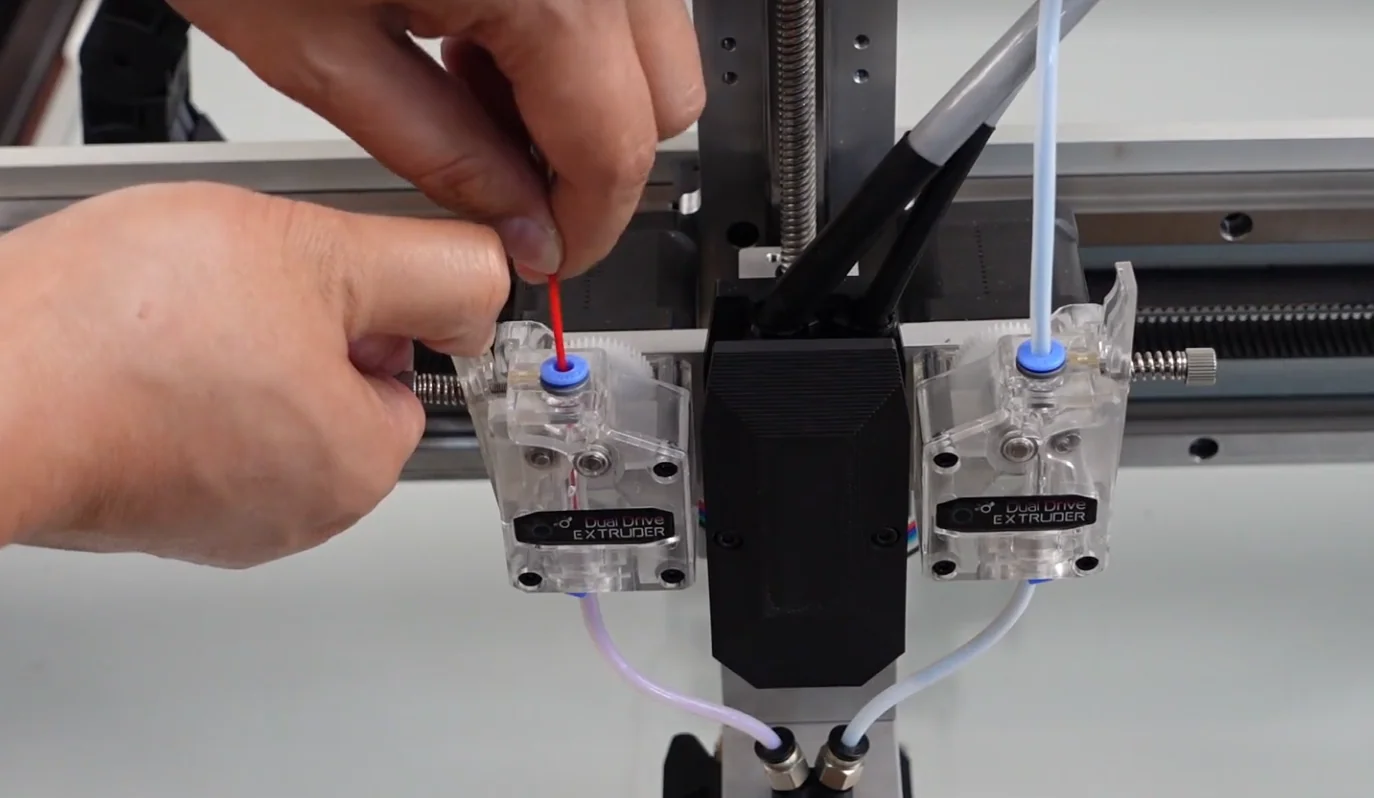 |
¶ 2. Load the new filament
Please load the new filament according to the previous article: Load-Filaments
¶ 3. Pre-extrude and resume printing
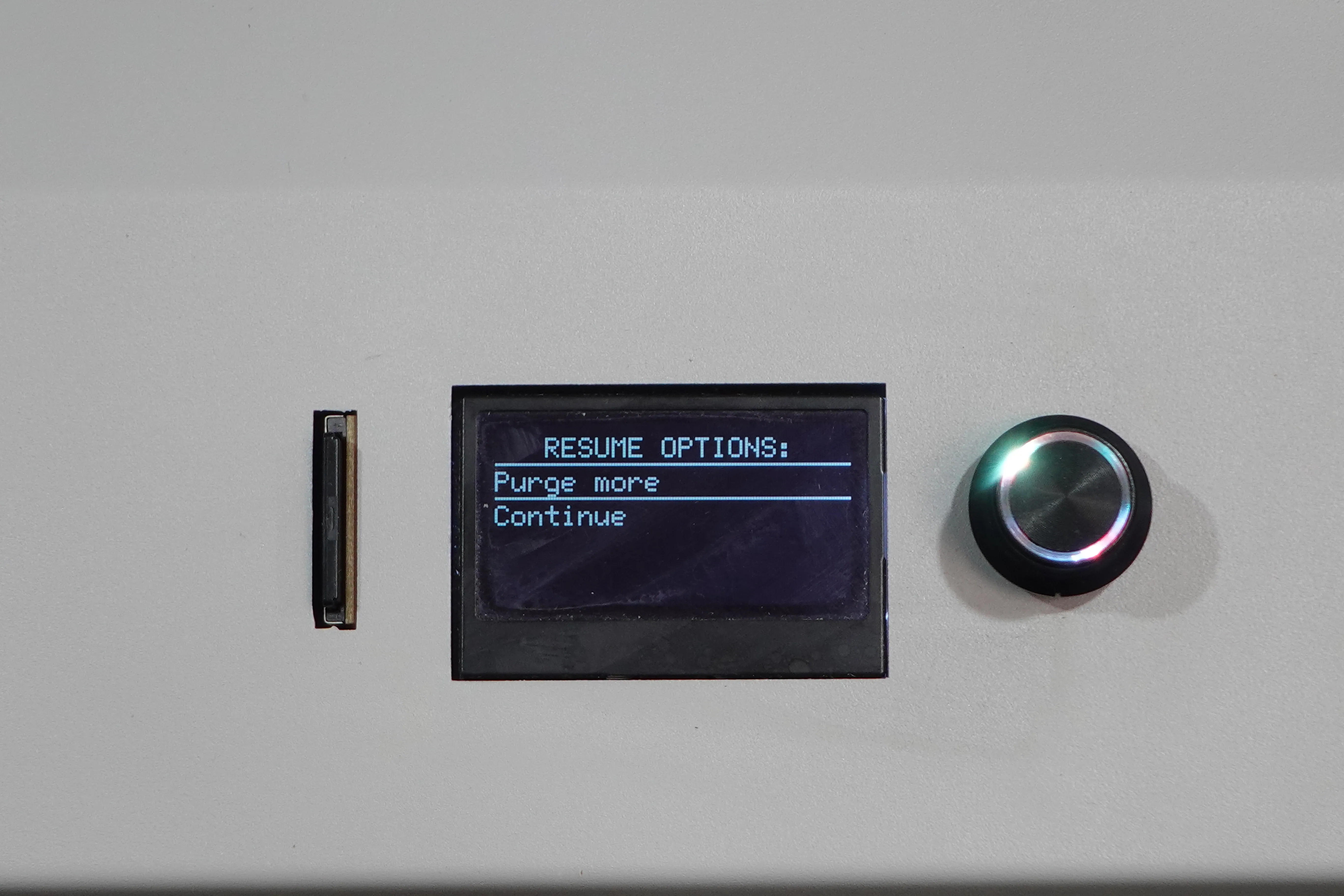
After inserting the consumables, click "Purge More" until the new filament is pre-extruded.
Once finishing the pre-extrusion, click "Continue" to resume printing.