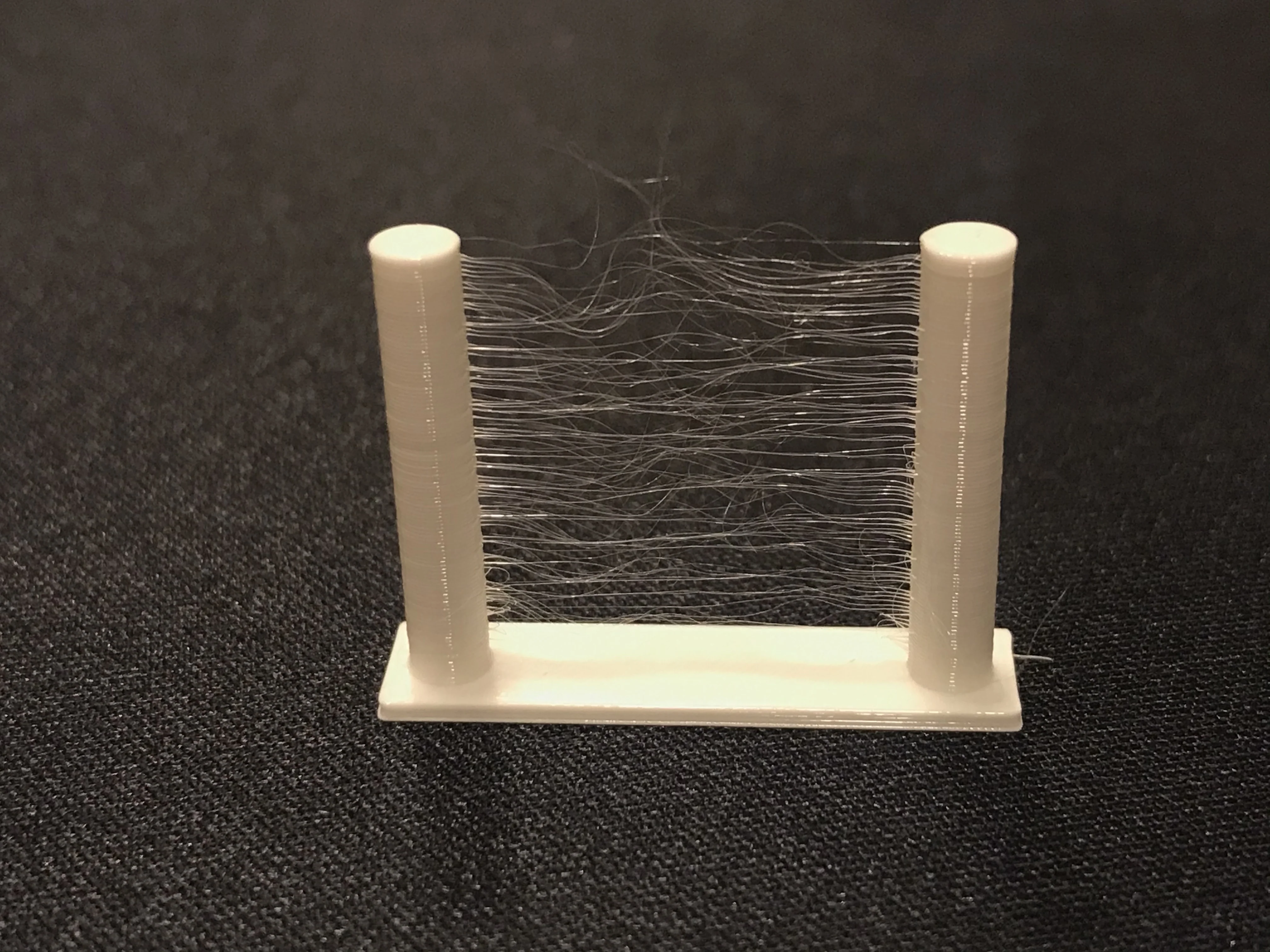
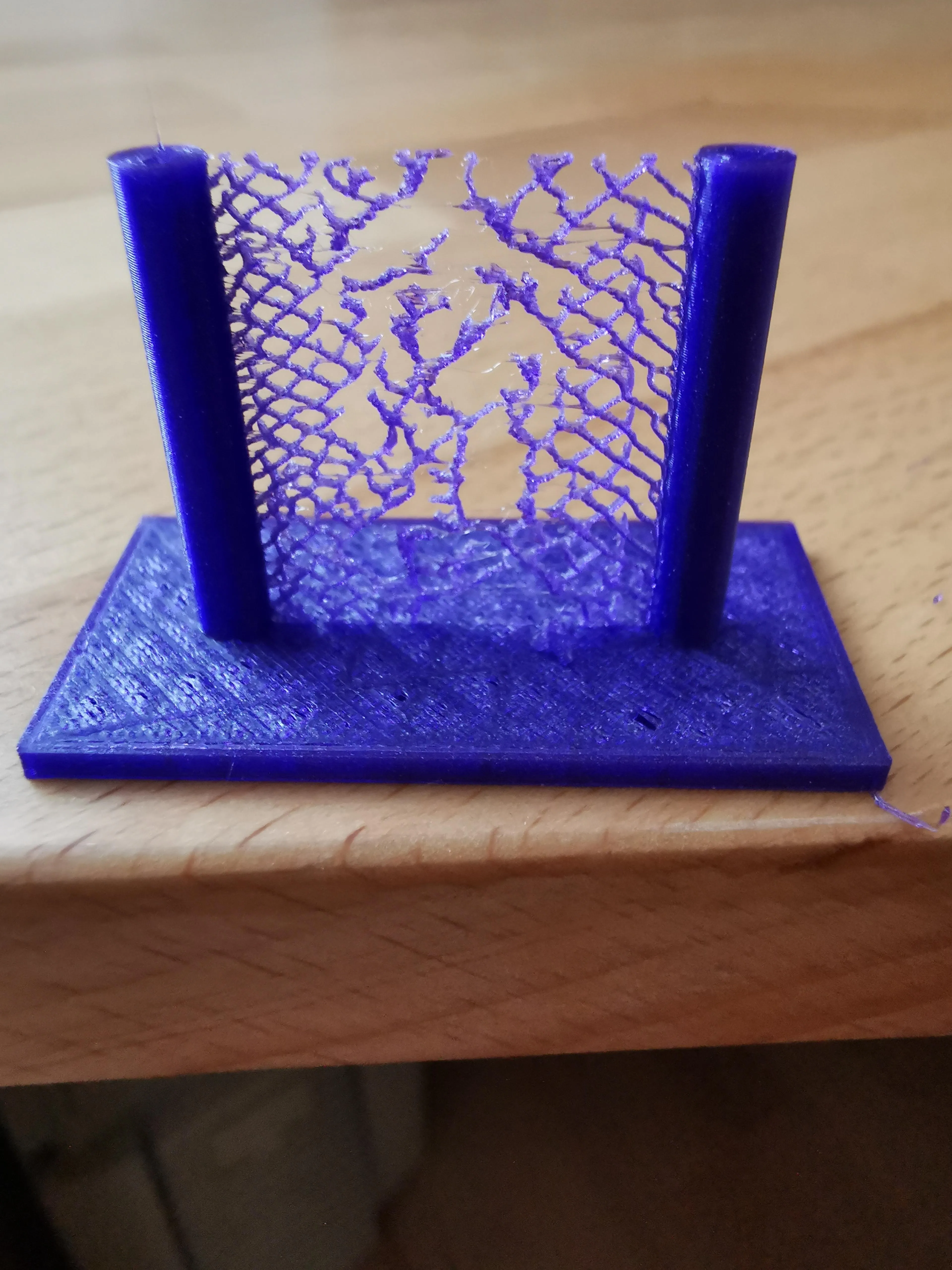
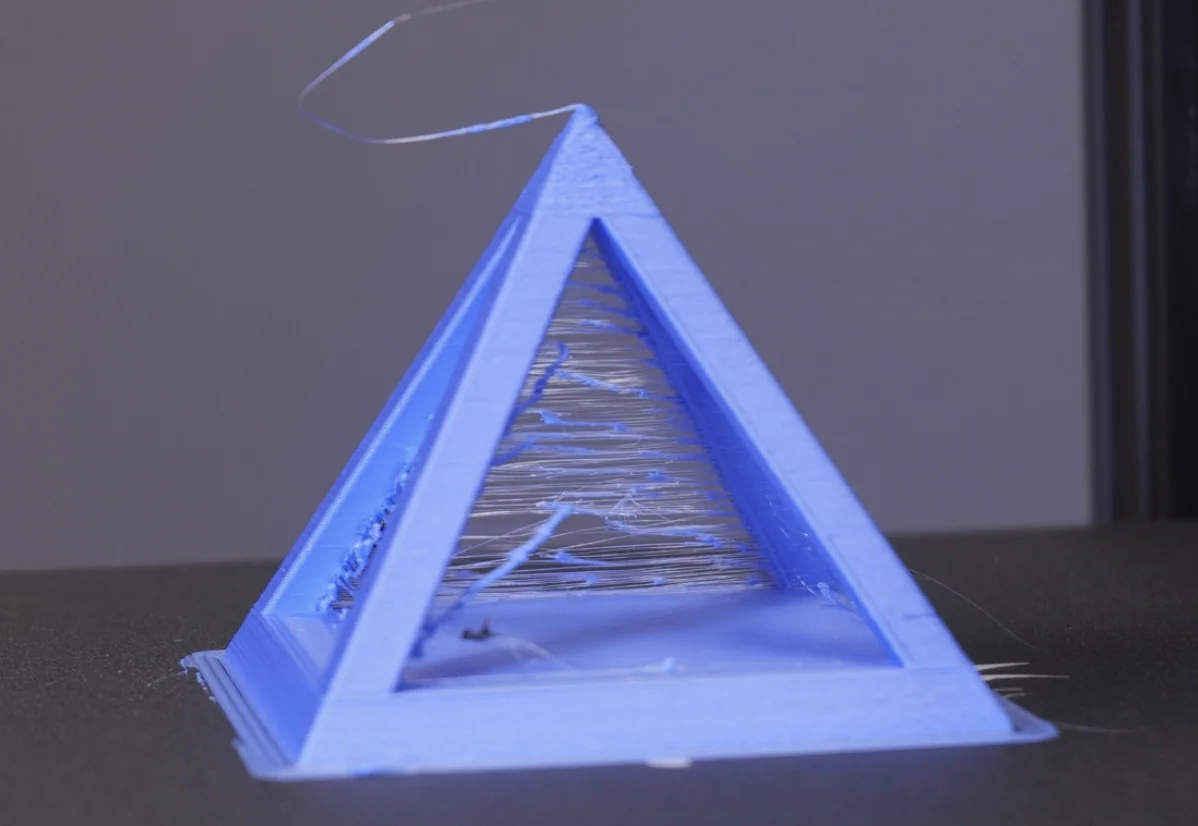
In the photos below there is a typical 3D printing quality issue we call stringing.
 |
 |
 |
 |
¶ 1. Damp filament
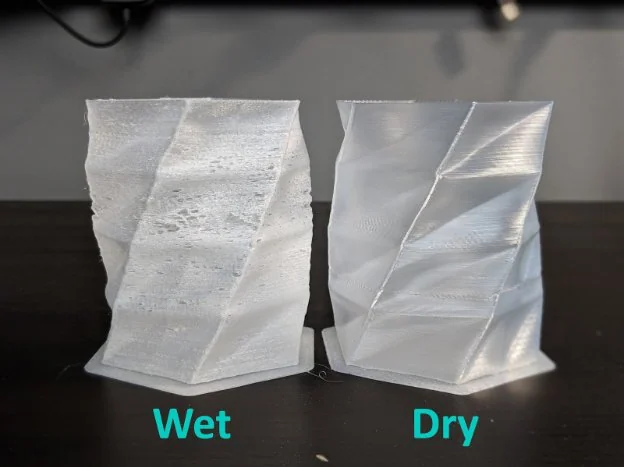
If you are 3D printing with the preset parameters in FormLetter, but you still have the stringing issue, maybe your filament is damp.
Dry your filament.
If you notice a crackling or popping sound during your print, it means your filament has moisture inside that’s essentially getting boiled in the nozzle.
This can happen with PEA and the PES-FR filament. Note that the PES-FR filament is very susceptible to moisture.
How to avoid or solve the problem?
Click Store and Dry the Filament to know the details.
¶ 2. Incorrect slice settings
If you have changed slice settings in FormLetter, maybe it is related to retraction and temperature settings.
- Check if you have changed retraction settings in slicer. It's mainly related to retraction distance and retraction speed.
- Check if you have changed nozzle temperature in slicer.
How to solve the problem?
Please choose the original presets that come with the FormLetter software, then slice and print again.