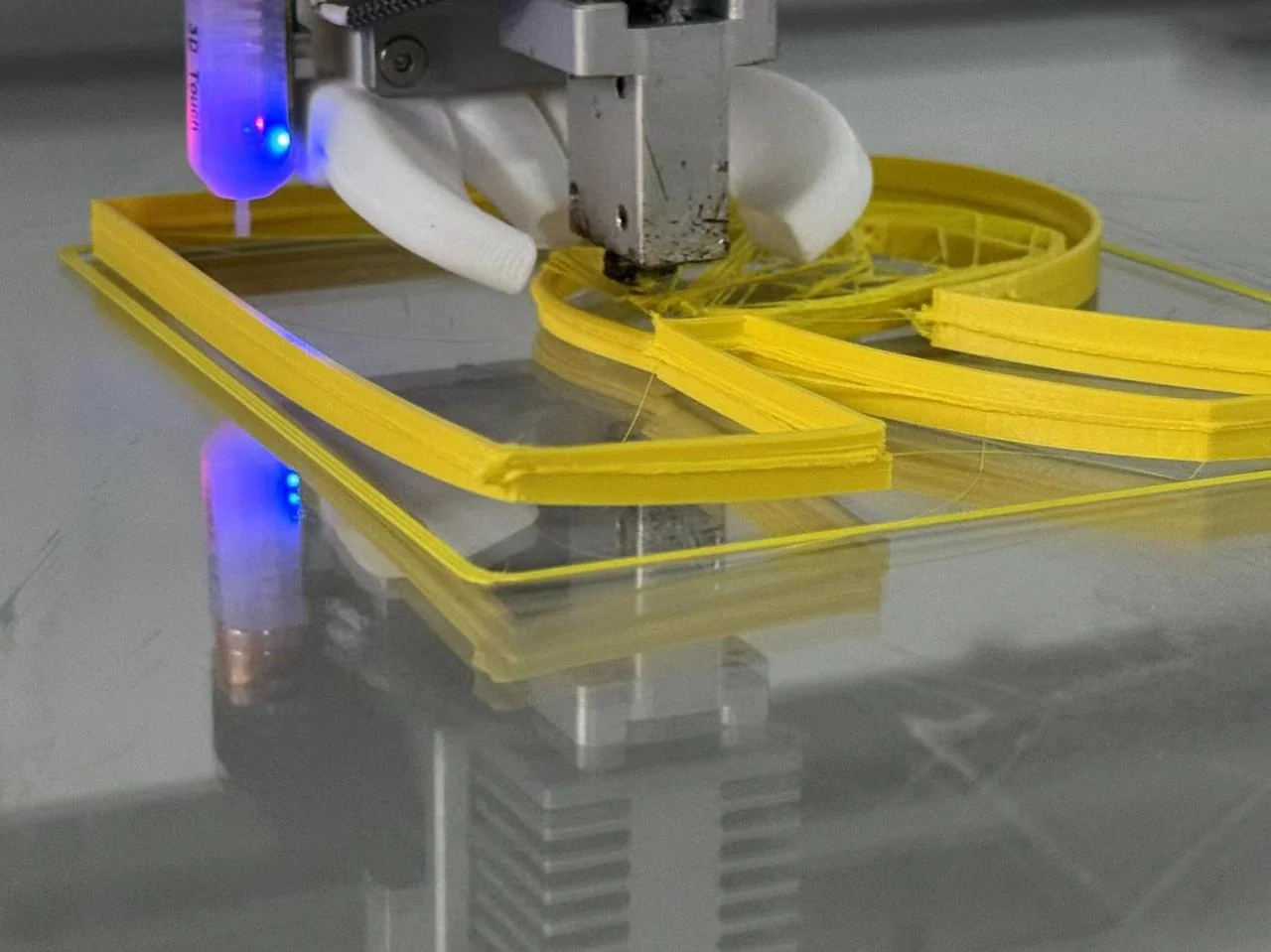
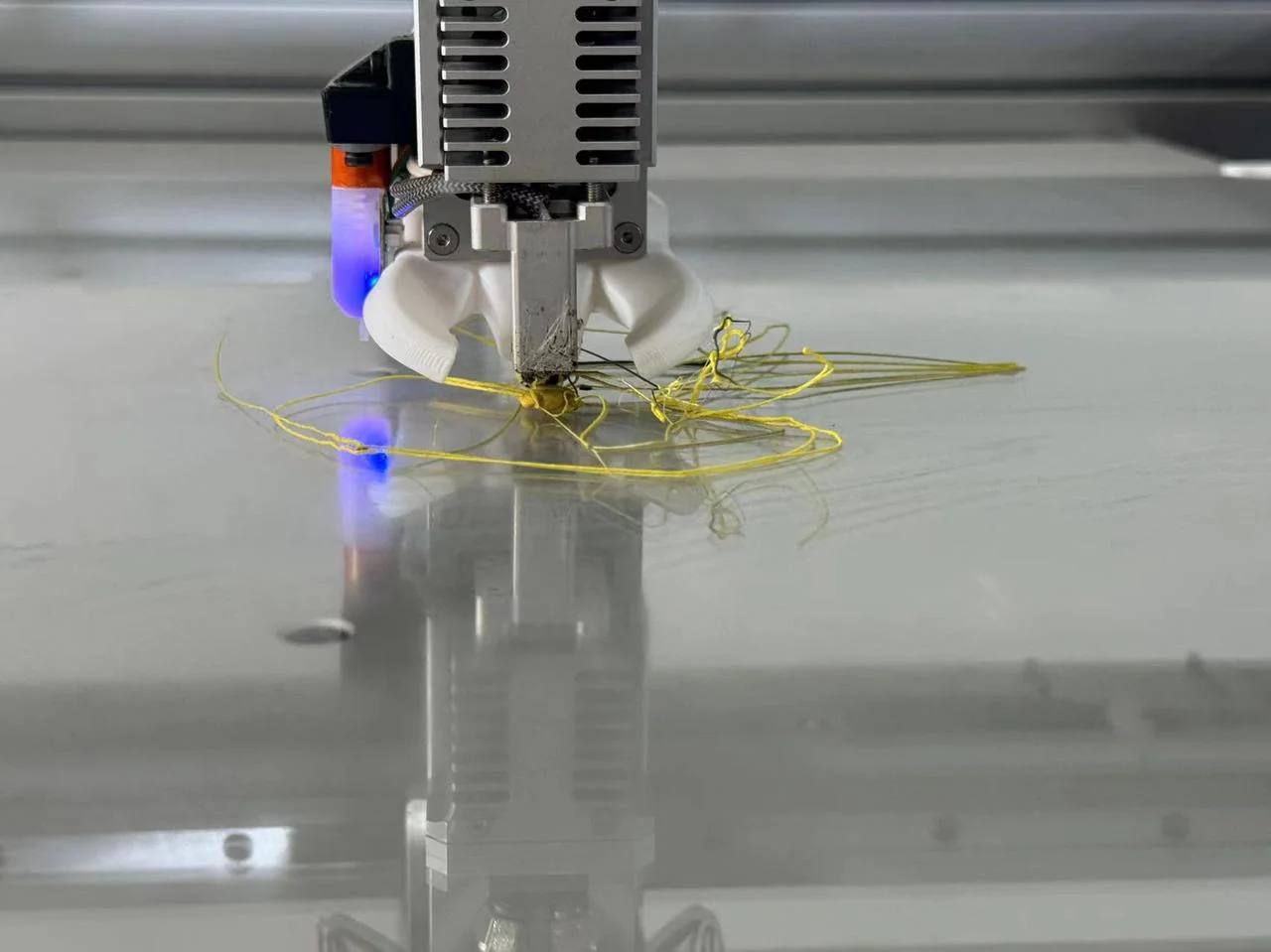
In the photos below are 3D prints warped from the build plate.
 |
 |
Please follow the guidance below to solve the problem.
¶ 1. Low/Uneven adhesion
Please touch over the whole build plate to feel the adhesion on it, especially those areas frequently used or warping happen often.
Then coat or spray additional glue on the surface.
¶ 2. Too big Z-offset
If your first layer is like what the left photo ("High" mark) shown, it means your Z-offset value is too big, the nozzle is too far from the build plate.
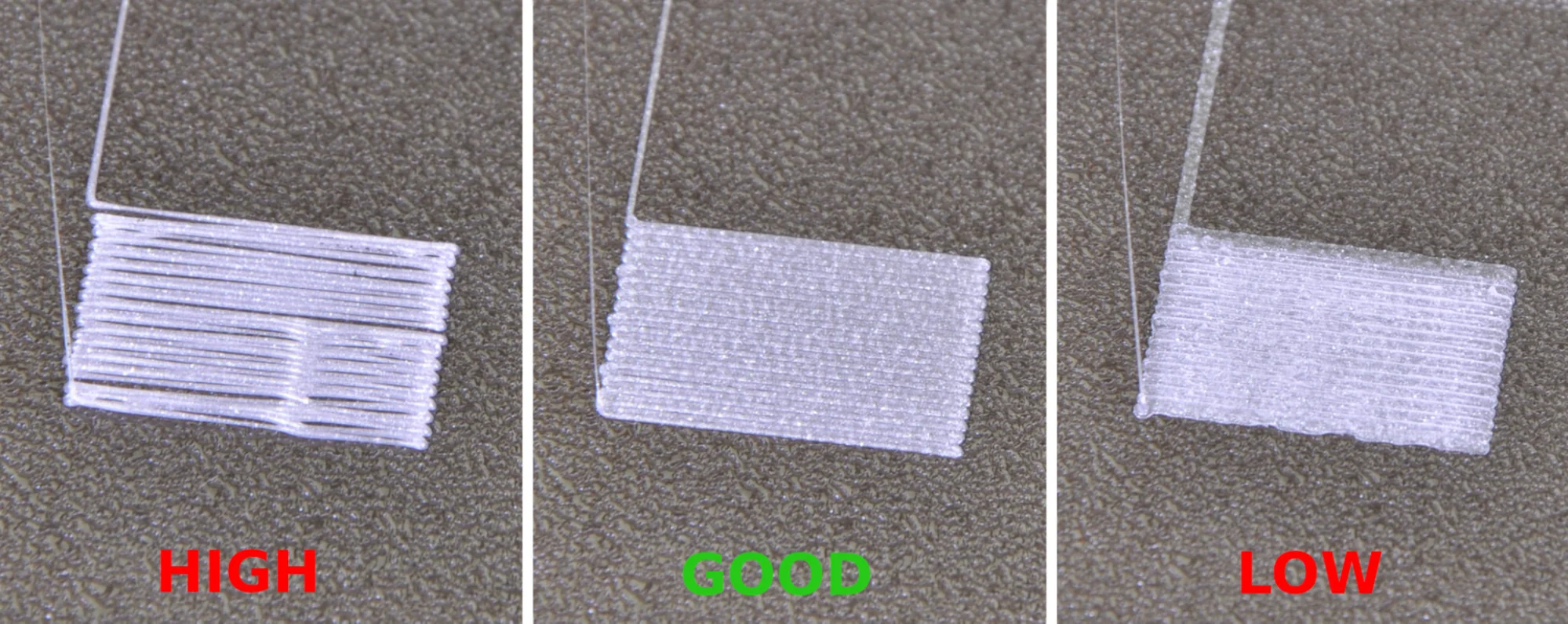
To solve the problem, please check the guidance here: Z-offset.
¶ 3. Incorrect build plate temperature
If you correctly coat the glue and calibrate the build plate, you still have warping problem.
Maybe you did not correctly slice the STL file with proper settings.
Please check if you have changed the settings in the slicer, mainly the build plate (bed) temperature.
To firmly adhere the channel letter to the build plate, you need to set a 50~60 °C bed temperature for PEA filament, 75~80°C bed temperature for PES and PES-FR filament.
¶ 4. Cold air blowing through
If you place the 3D printer near an open window where cold air blows through, that will make the plastic shrink and lead to warping.
So please make sure the 3D printer is placed in a stable temperature area.